
ZBrush 2026 ZBrush is a digital sculpting and painting software that has revolutionized the 3D industry with its powerful features and intuitive workflow. Within a simple interface, ZBrush provides the world's most advanced tools for contemporary digital artists. Its practically designed feature set inspires artists' creativity while creating a user experience that feels incredibly smooth. Capable of sculpting models with up to 1 billion polygons, ZBrush is limited only by the artist's imagination.
ZBrush 2026 is the world's first 3D design tool that allows artists to create with unconstrained freedom. Its introduction completely overturns the working model of traditional 3D design tools, freeing artists' hands and minds, and ending the clumsy creation model of relying on a mouse and parameters. It fully respects designers' creative inspiration and traditional working habits.
Become a master of bas-relief
Create bas relief surfaces in amazing detail using the new Bas Relief feature in ZBrush. Position your model as desired, and from this viewpoint a special new alpha is created that can be used to create raised details that more closely resemble traditional bas relief results.
Create relief surfaces in amazing detail using the new Bas Relief feature in ZBrush. Position the model as desired and project all visible meshes into the selected mesh.
Load any model and create a bas relief alpha from the camera view, used to create raised details very similar to traditional bas relief results.
Put a bevel on it
The new Bevel Pro plug-in allows you to create complex bevels for meshes at any resolution, without the need for low-polygon modeling. Bevel Pro works with medium to high-resolution meshes, allowing you to use masks and PolyGroups to precisely define which edges to be beveled. Adjust and preview your results non-destructively, and even create bevels as separate parts of your geometry for use with Live Boolean.
Start spreading the details
Apply any image, graphic noise, or noise preset to your brush to create localized, sculpted surface noise detail. Instantly adjust the noise scale using brush size or pen pressure sensitivity. Local projection provides a unique way to reapply any noise based on the brush's position. This feature shines when creating environmental fragments or applying skin details.
Just the right alignment
Instantly redistribute geometry within multiple SubTools or a single SubTool with the push of a button. Similar to snapping features in other programs, you can now snap meshes to the left, right, or center, as well as to the top or bottom edges.
More than one interpolation method
Stroke interpolation now uses ZIntensity, brush size, RGB intensity, and the previous and next colors to transition between strokes in a set number of steps. Create dazzling blends and complex patterns of color and detail between two strokes on mesh surfaces.
Quick access to the XMD toolbox
ZBrush now offers access to the XMD Toolbox from within ZBrush. Once installed, the XMD Toolbox provides users with new ways to search and organize all of their ZBrush assets, as well as access to additional free and commercial brushes, alphas, textures, and materials not included with ZBrush by default. ZBrush will launch the XMD ToolBox interface from within ZBrush and allow you to access content and functionality maintained and supported by XMD.
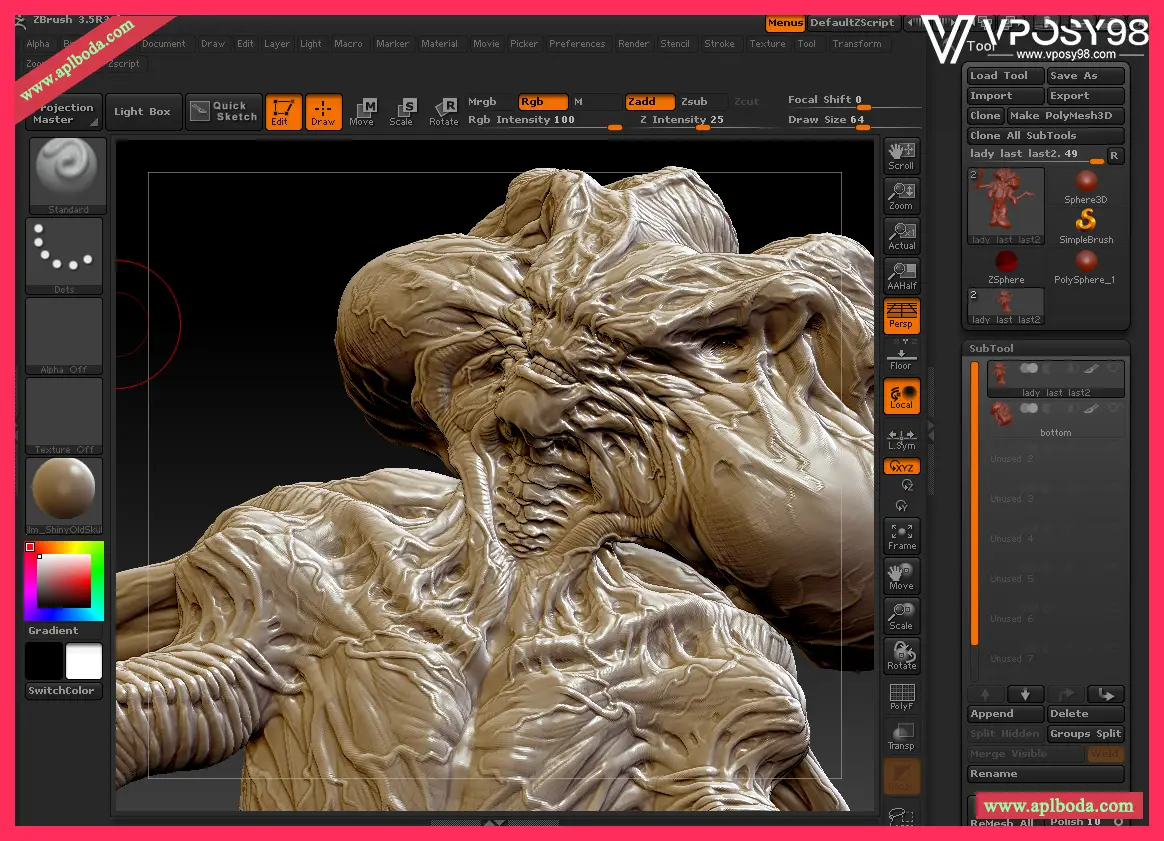
It transforms the complex and labor-intensive character modeling and texturing tasks of 3D animation into something as simple and fun as a child playing with mud. Designers can control ZBrush's 3D brush tools with a tablet or mouse, freely and effortlessly sculpting the image they envision. ZBrush automatically handles complex tasks like topology and mesh distribution in the background. Its delicate brushes easily create skin details like wrinkles, hair, acne, and freckles, including the relief modeling and textures for these minute details. Professional designers are thrilled that ZBrush not only easily creates the shapes and textures of various digital creatures, but also allows these complex details to be exported as normal maps and low-resolution models with pre-exposed UVs. These normal maps and low-poly models can be recognized and used by major 3D software programs such as Maya, Max, Softimage|Xsi, and Lightwave, making it a crucial modeling and texturing tool for professional animation production.
Maxon releases ZBrush 2026, the latest version of its digital sculpting software
Major adjustments include Repeat to Similar Feature, a general new system for making changes to one mesh to automatically apply the changes to all other meshes with similar topology.
There are also updates to the "Anchors" brush and the "Transpose" system for sculpting, a new "DragStamp" brush type, and the option to use any type of brush with the Insert Mesh brush. In addition, all of C4D's native noise types have been added to ZBrush.
But the biggest change for users is the adjustment of the purchasing method. Starting from this version, ZBrush 2024 will not be available as a permanent license, so all the new features of this update can only be used by subscription.
New Repeat to Similar Feature system to propagate changes between grids
Key changes in ZBrush 2026 include a new time-saving Repeat to Similar feature, which makes it possible to make changes to one mesh and then automatically applies the same changes to all other meshes with similar topology.
In addition to transferring sculpted details, it can also change Polypaint or Polygroups, or even replace each mesh with a different one.
Update the character pose using the Anchor Point brush and Transpose
The Anchors brush, added in ZBrush 2026, has also been updated, allowing you to place a portion of a sculpt without having to manually create a mask to isolate it. Additionally, the old Transpose feature has been improved, with the option to snap the Transpose line to the center of the mask so that it remains in the correct position when the mask is updated.
The Insert Mesh brush supports all stroke types, including the new DragStamp
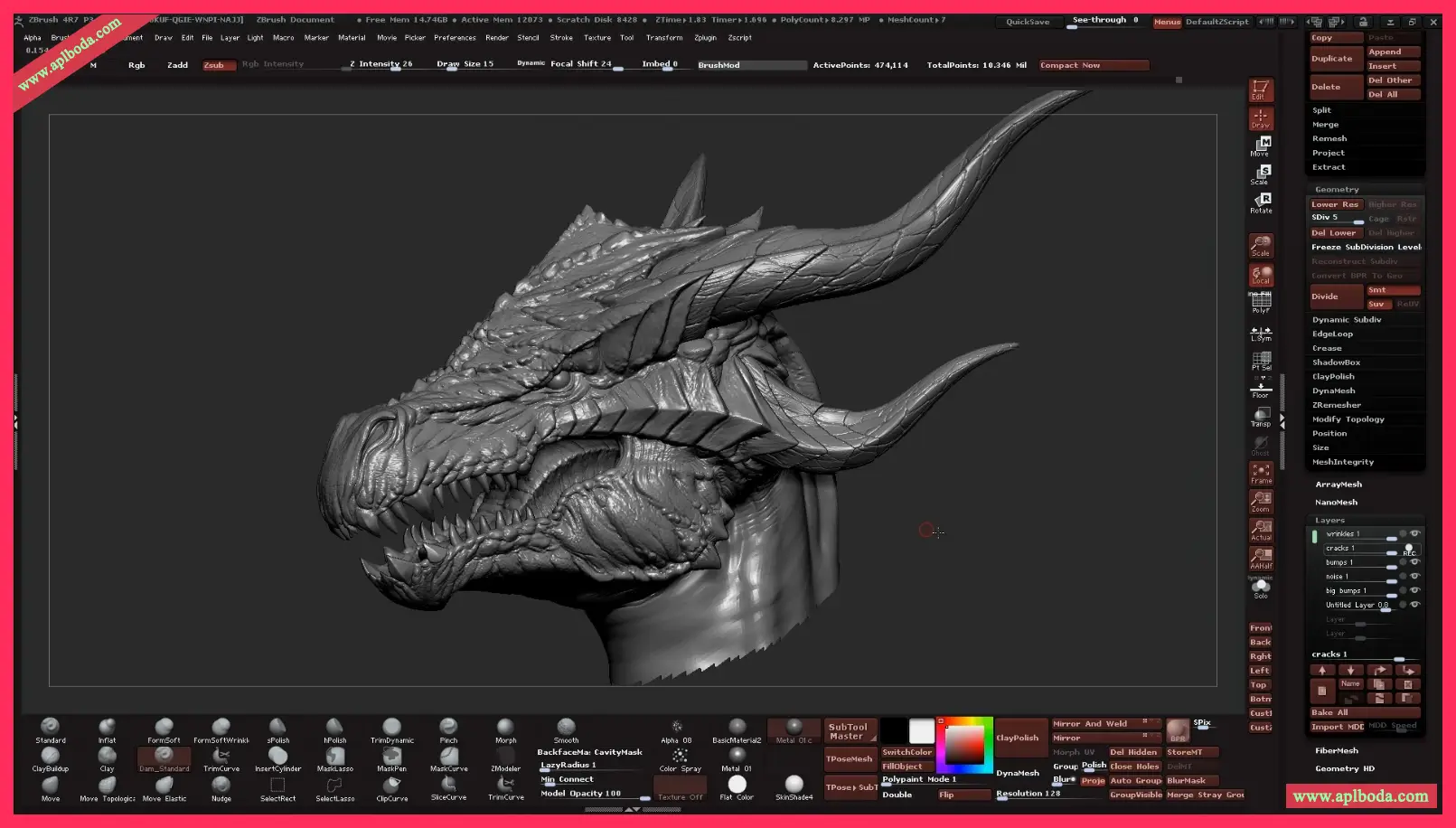
You can also now use every ZBrush stroke type with the Insert Mesh brush, giving you more precise control over where your meshes are inserted.
Suggested uses include using the DragDot brush to position individual meshes added by the InsertMultiMesh brush. There is also a new stroke type, DragStamp, as a more controllable alternative to the existing DragRect stroke.
Other changes: Updated knife brushes, masks, and new noise types in Cinema 4D
Additionally, the Knife brush has been updated to split a mesh into multiple segments.
Other changes include new Grow All and Shrink All options for masking, and new Crease Unmasked and Uncreasaed Unmasked options for sharpening unmasked areas of a model.
Finally, 25 noise types from Cinema 4D have been added to the ZBrush surface noise library. This change opens up new options for adding random surface variation to models when sculpting details on their surfaces or painting them in ZBrush.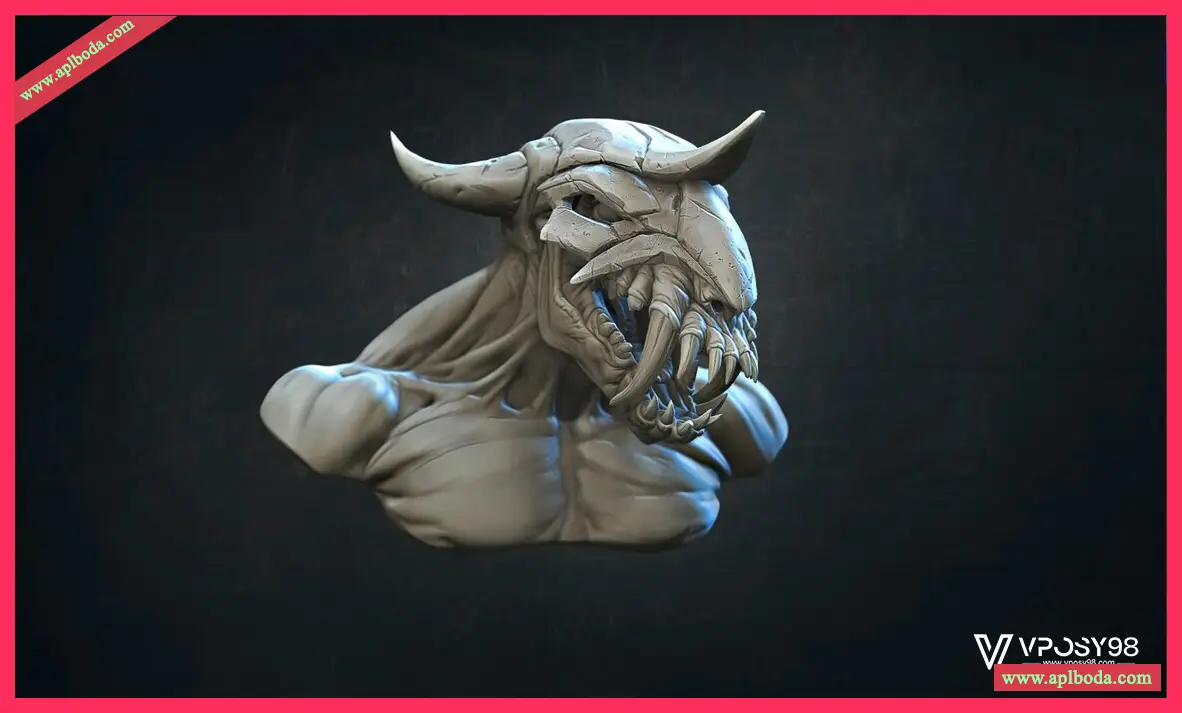
No longer a perpetual license, only subscription available
Another key change in ZBrush 2026 is that it will only be available as a subscription. Although Maxon ended its old policy of perpetual free updates for ZBrush when it acquired Pixologic in 2021, the perpetual license itself remains valid until ZBrush 2023.
According to a new online FAQ, ZBrush 2026 will not be available as a perpetual license, and perpetual licenses for ZBrush 2023 will also end when it is released in 2024. This also means that perpetual license holders will need to switch to a subscription to use the new features of ZBrush 2023.1 and ZBrush 2020 3.2. Subscriptions cost $39/month or $359/year.
The perpetual licensing era of Zbrush has ended, and the subscription era has officially begun.

 English
  简体中文
简体中文  香港中文
香港中文  繁體中文
繁體中文  Deutsch