
Adobe Audition 2024 for win专业音频工作站。使用业界最佳的数字音频编辑软件创建、混合和设计音效。Audition CC 是一个综合工具集,包括用于创建、混合、编辑和恢复音频内容的多轨、波形和频谱显示。这款功能强大的音频工作站旨在加速视频制作工作流程和音频整理,并提供具有原始声音的精美混音。

Installation Tutorial
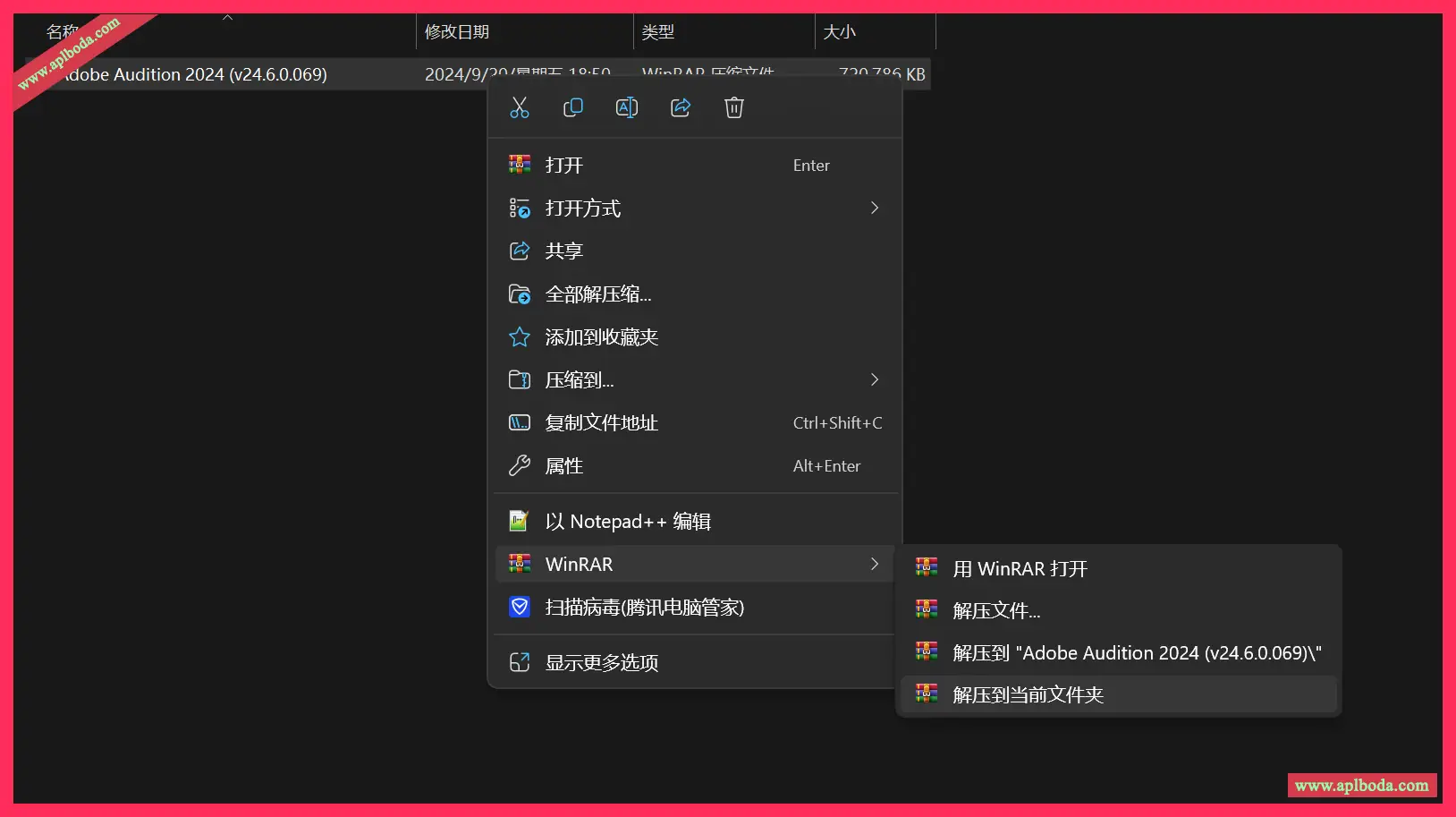
1. Right click and unzip to the current folder (if the download is complete, instead of the compressed icon, it is displayed in white or a browser pattern, which means that your computer does not have decompression software. Install the decompression software yourself)
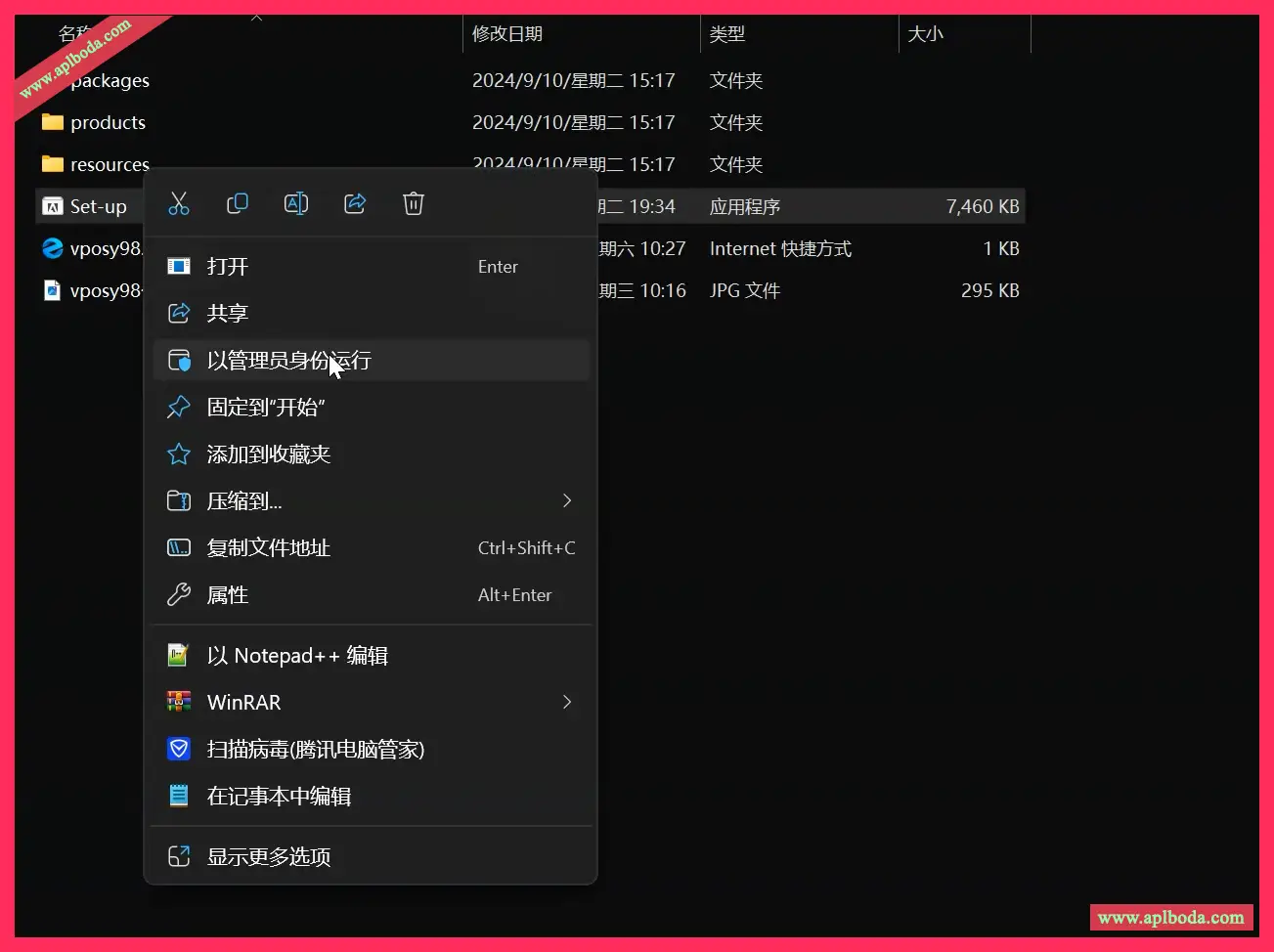
2. Right-click Set-up.exe and run it as an administrator (as shown below)
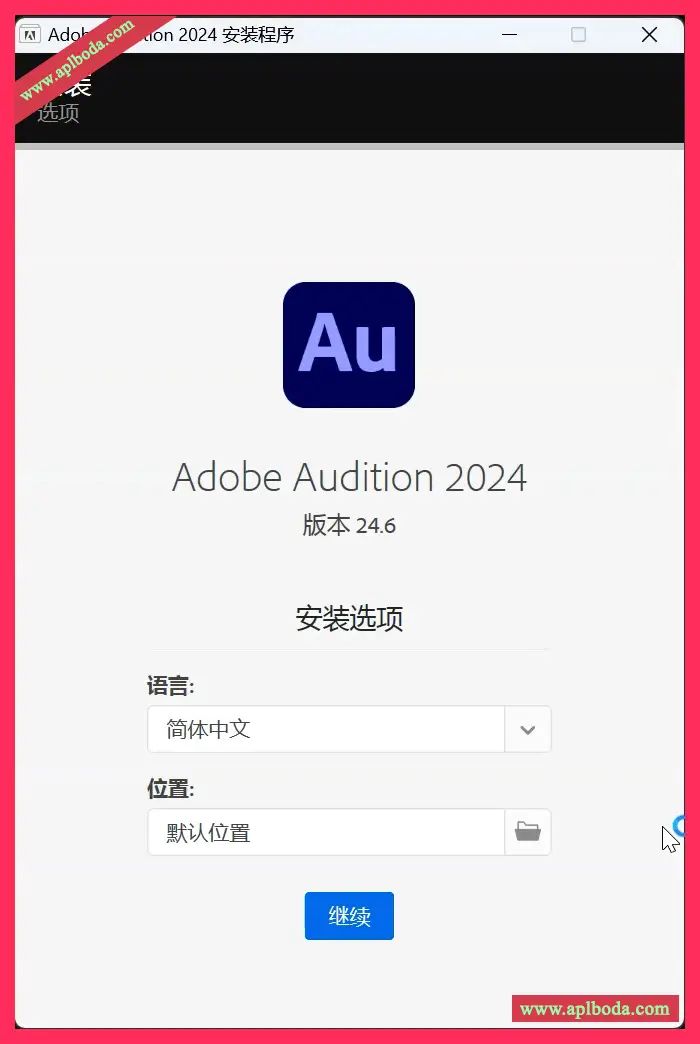
3. Customize the installation location, select the language, and click Continue (as shown below)
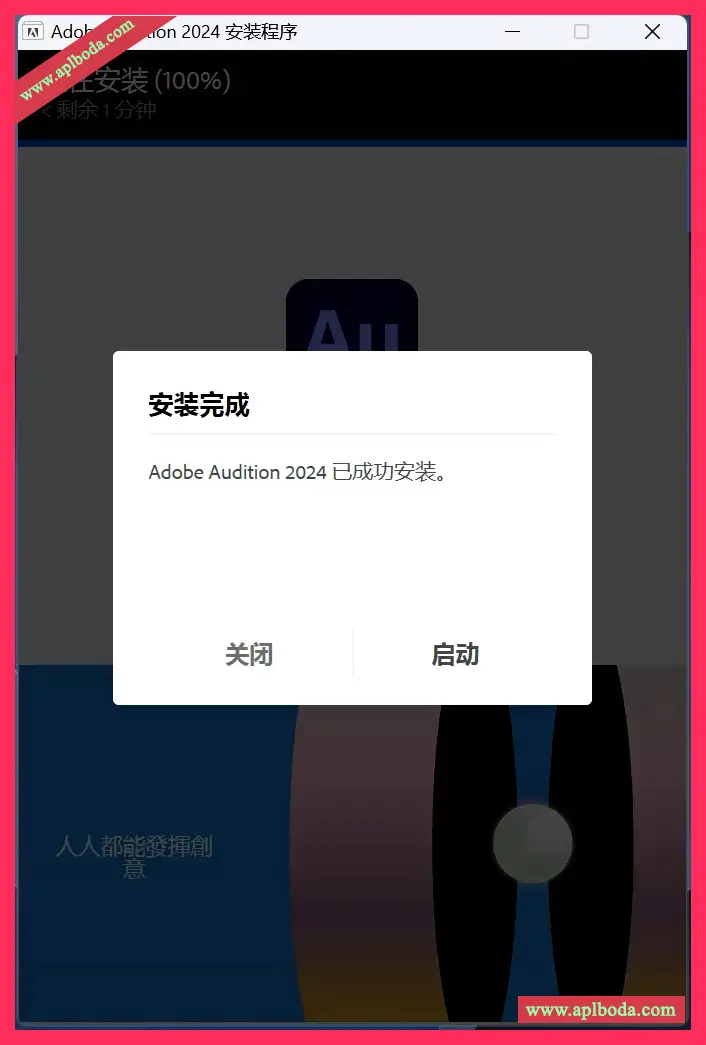
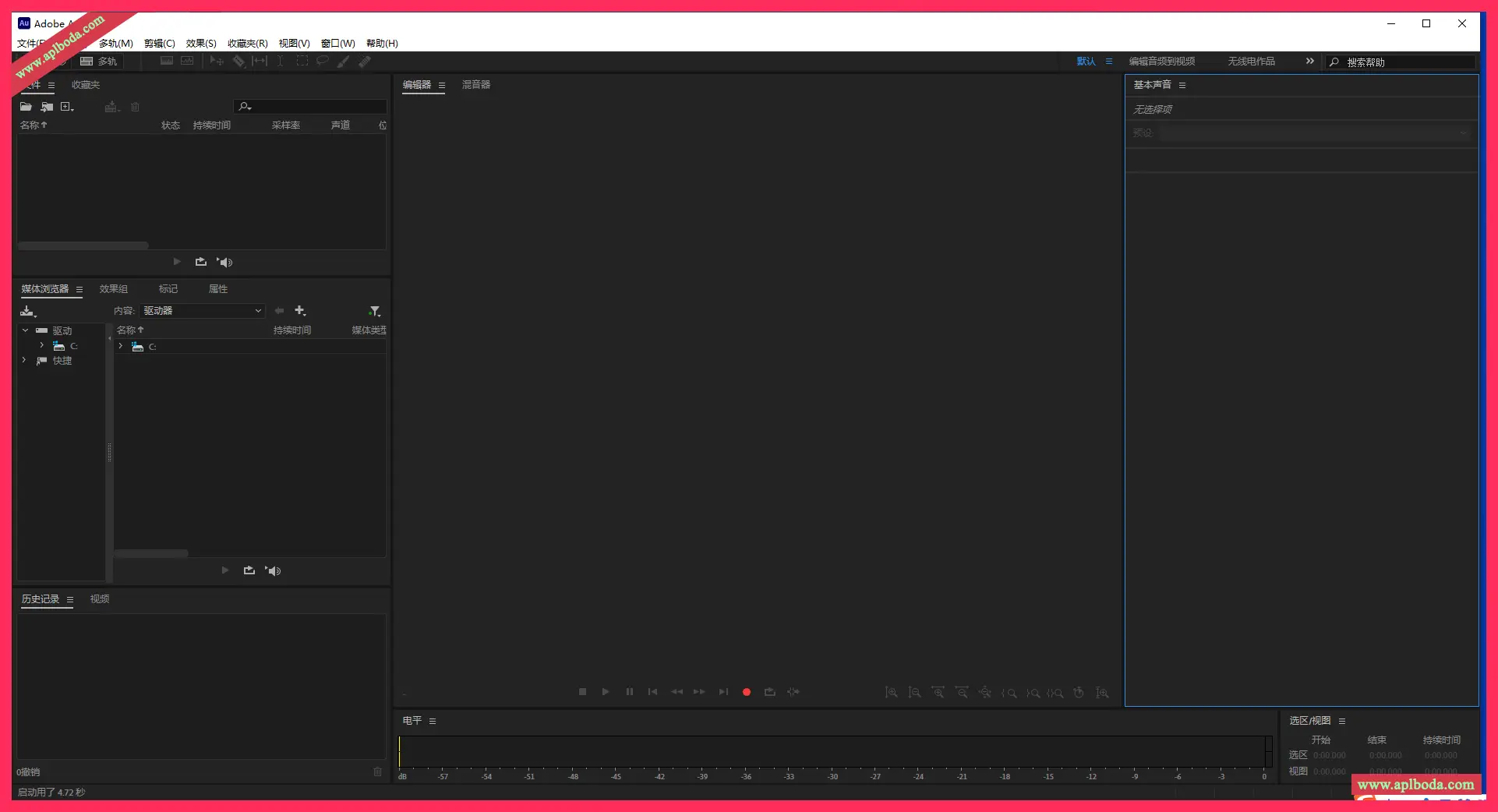
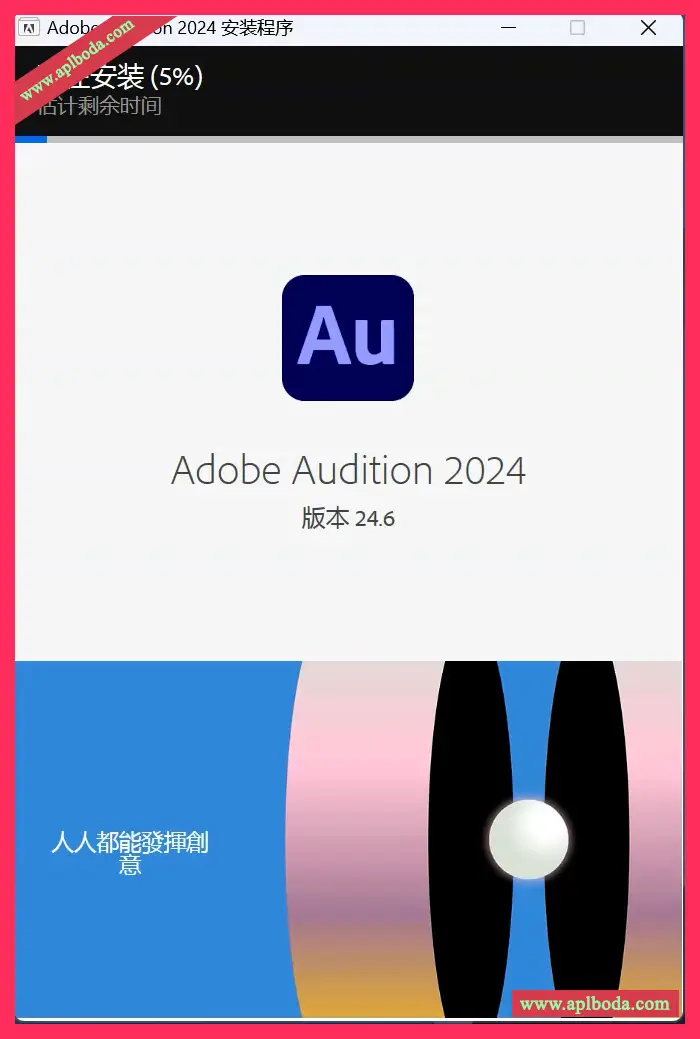 4. After the installation is complete, click Close. The desktop quick launch software can be used permanently without cracking.
 Edit, mix, record, and restore audio.
Audition is a comprehensive toolset that includes multitrack, waveform, and spectral display capabilities for creating, mixing, editing, and restoring audio content. This powerful audio workstation is designed to speed up video production workflows and audio finishing, and delivers beautiful mixes with pristine sound.
What is Audition?
Provides industry-leading audio cleanup, restoration, and precision editing tools for video, podcasting, and sound design.
Record, edit and integrate music clips.
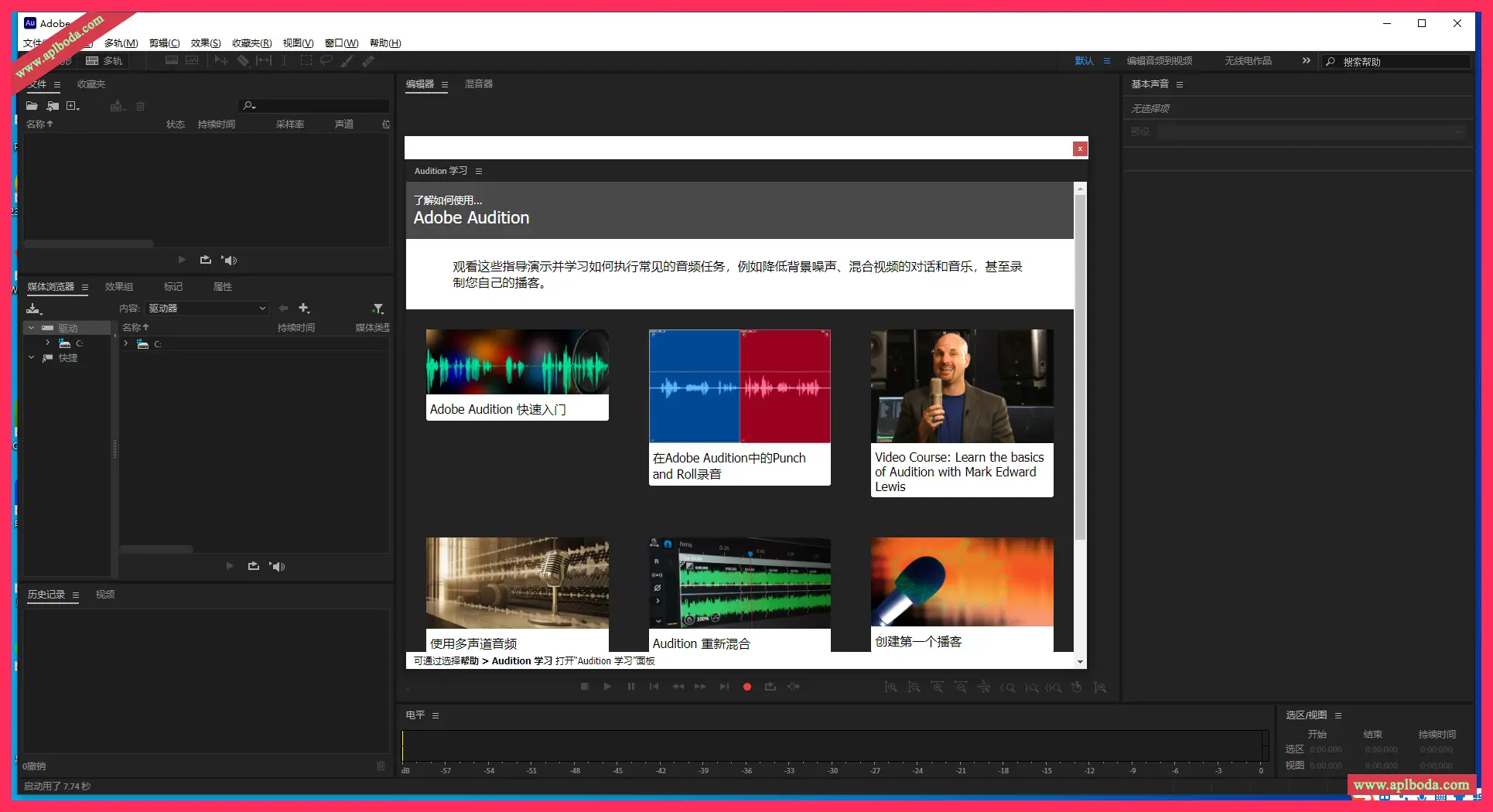
This step-by-step tutorial guides you through the powerful audio toolset Adobe Audition, including its seamless workflow with Adobe Premiere Pro.
Increase the appeal of your audio.
Create professional-quality audio with the Essential Sound panel – even if you're not a pro.
Producing a podcast
Learn the basic steps to record, mix, and export audio content for a podcast or any other audio project.
Remix to suit your needs.
Easily and automatically rearrange any song to fit any duration with the Remix feature in Audition.
Repair and restoration
Get best practices for repairing audio, including how to use the spectral frequency display, diagnostics panel, effects, and more...
Version 23.0 Updates:
将工作区设置为重置为已保存的布局时,会显示工作区管理器未初始化的错误消息。
选择“混合”中的单声道创建多轨会话时,重置布局按钮会与请求布局按钮重叠。

 English
  简体中文
简体中文  香港中文
香港中文  繁體中文
繁體中文  Deutsch