

CorelDRAW Graphics Suite 2025It is a powerful software that can replace equivalent graphic design software, easy to master and full of functions.

New and enhanced features
Vector illustration
Transform simple lines and shapes into complex works of art with CorelDRAW's powerful vector illustration tools. Create curved lines with a variety of versatile shape and drawing tools. Add creative effects to your vector illustrations using effect tools like outlines, envelopes, gradients, and mesh fills.
Page Layout
Find all the tools you need to create layouts for brochures, multi-page documents, and more. Switch between single-page and multi-page editing, giving you the freedom to create the way you want.
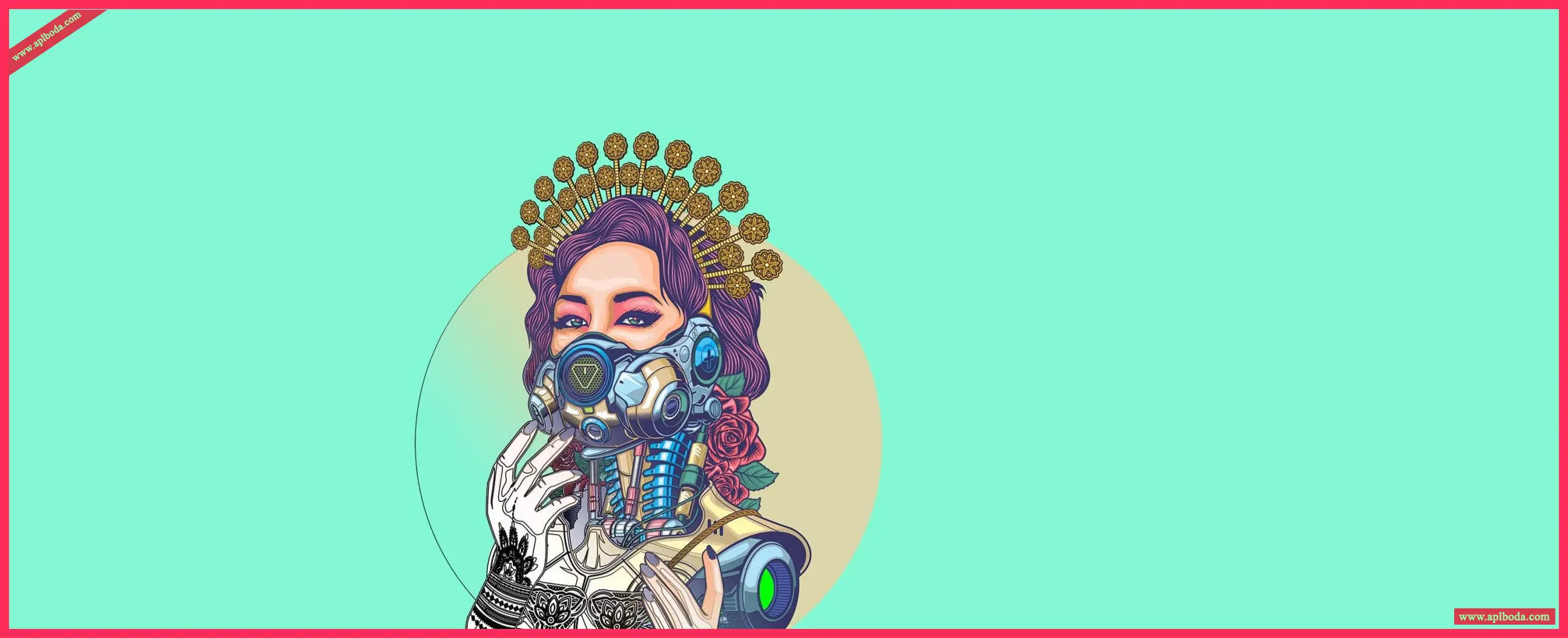
typesetting
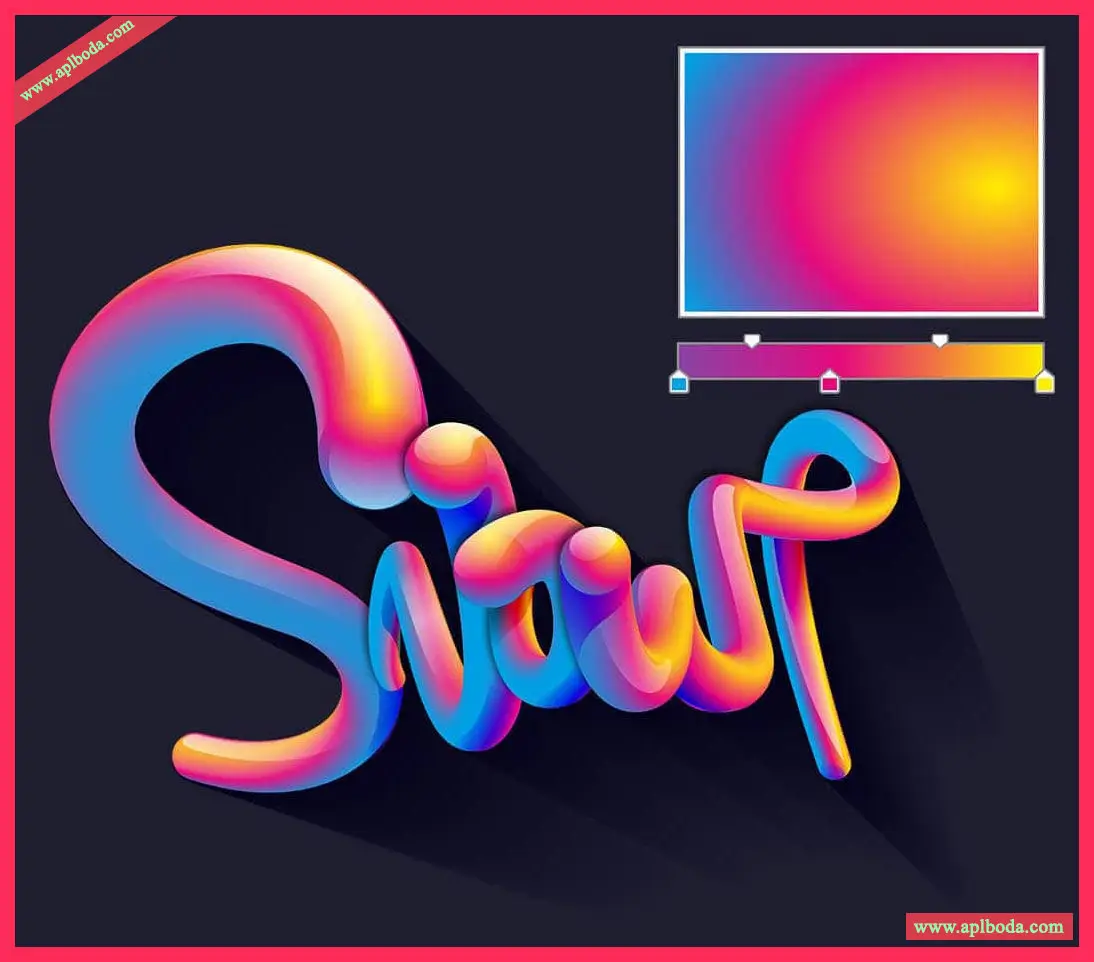
Arrange beautiful typographic layouts with a comprehensive set of typography tools. Add effects like block shadows and outlines to text. Fine-tune fonts, align text to paths, and more with support for variable fonts.

Font Management
Through intuitive and easy-to-use Corel Font Manager Organize and manage your font library and use your favorite fonts without installing them. Use web storage to work with fonts faster and get direct access to over 1,700 Google Fonts font families.
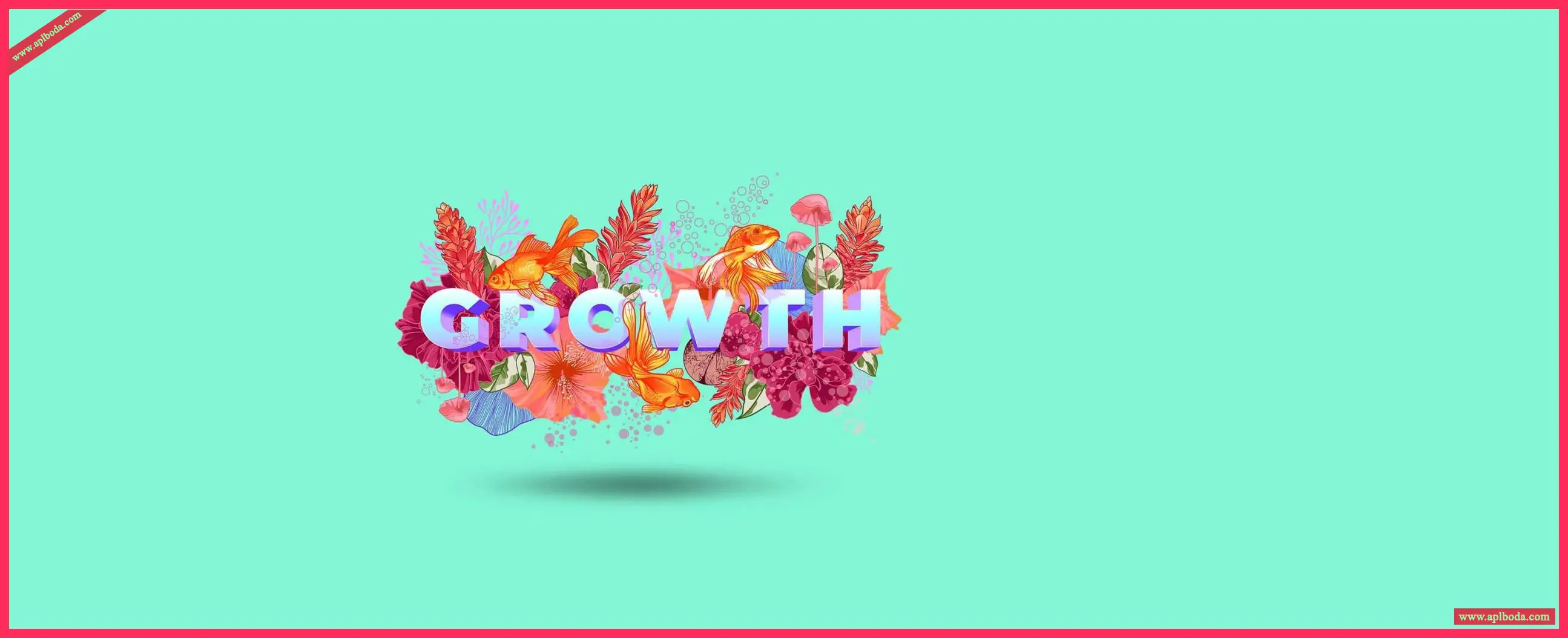
Photo Editing
use Corel PHOTO-PAINT Powerful layer-based photo editing tools to adjust color and tone, remove flaws, correct perspective, and more. Use AI to optimize image size and quality. Use AfterShot HDR to create beautiful high dynamic range (HDR) images from your original images.
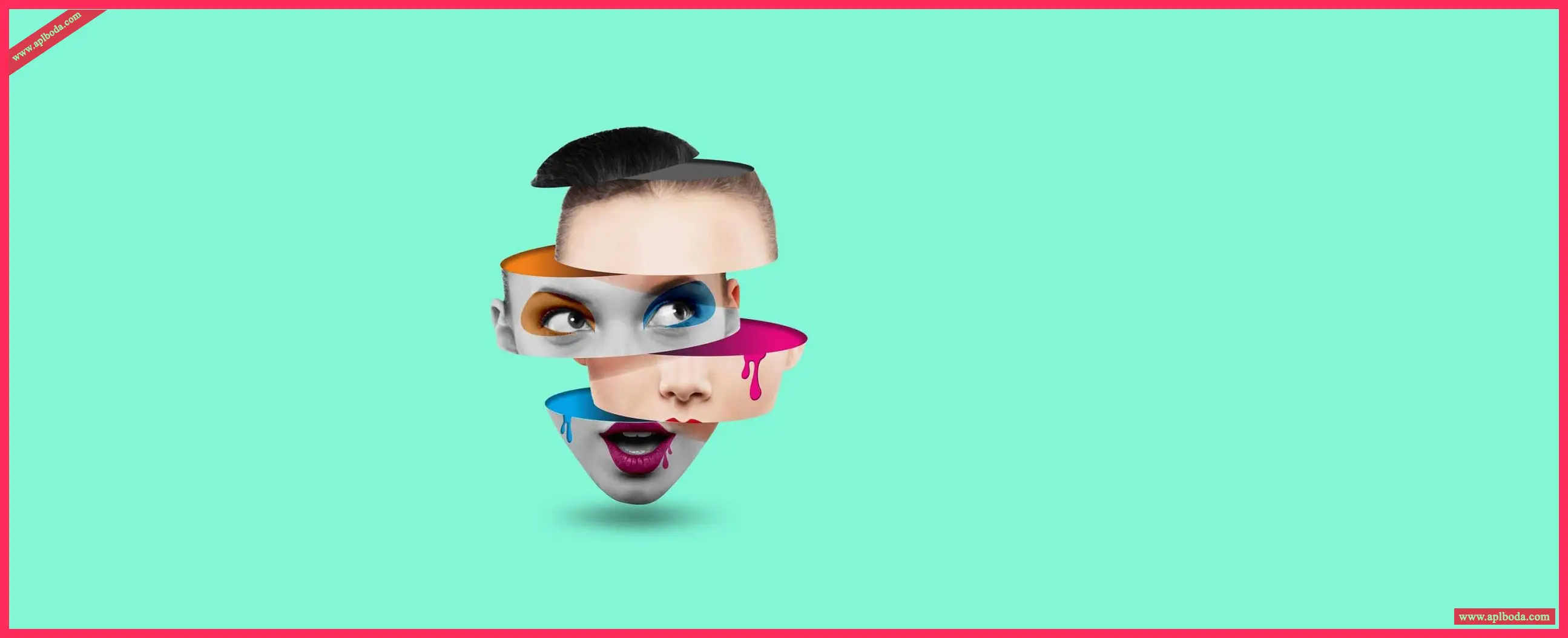
Dedicated design tools for print and web
Experience perfect publishing and finished products every time. Know your colors are accurate before printing, so you can control color consistency across different media.
Get free access to Pantone color palettes in CorelDRAW and Corel PHOTO-PAINT. Easily use cutting-edge and classic hues to set the desired color accurately and vividly for every project.
Non-destructive editing
Edit bitmap and vector graphics without worrying about damaging the original image or object. Create block shadows, symmetrical illustrations, and perspective drawings completely non-destructively. Apply a wide range of reversible adjustments and effects in CorelDRAW and Corel PHOTO-PAINT.
Bitmap to vector tracing
Enjoy exceptional bitmap-to-vector tracing results with impressive AI-assisted PowerTRACE™. Leveraging state-of-the-art image optimization technology, you can improve the quality of bitmaps while tracing.
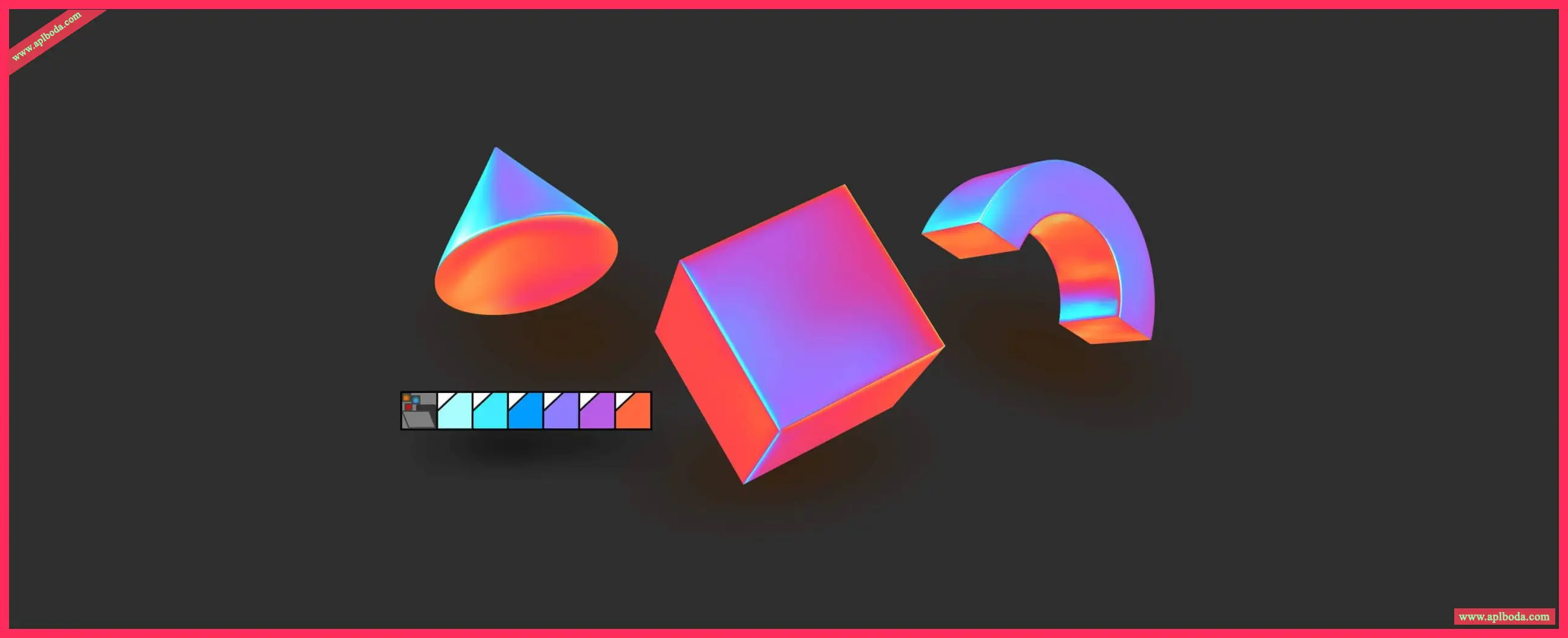
Wide file compatibility
With support for a wide range of graphic, publishing, and image file formats, you can easily import and export various project assets based on client-supplied files or requirements.

Color, fill, and transparency
Easily apply color fills and outlines using color swatches or colors generated from color blends. Change the transparency of objects and fill them with patterns, gradients, mesh fills, and more.
System support:
Windows 11 (version 22H2 or later) or Windows 10 (version 22H2), 64-bit, with the latest updates
Intel Core i3, i5, i7, i9 (7th generation or higher) or AMD Ryzen 3, 5, 7, 9, Threadripper, EPYC
8 GB RAM (16 GB RAM or higher recommended)
5.5 GB of hard disk space (for the application and installation files)
OpenCL 1.2 compatible graphics card with 3GB or more of VRAM
Screen resolution is 1280 x 720 at 100 x % (96 dpi) (1920 x 1080 at 150 x % or higher recommended)
Mouse, tablet or multi-touch screen
CorelDRAW Web – Browser requirements
Google Chrome version 130 or higher
Microsoft Edge version 130 or later
Firefox* version 130 or later

 English
  简体中文
简体中文  香港中文
香港中文  繁體中文
繁體中文  Deutsch