
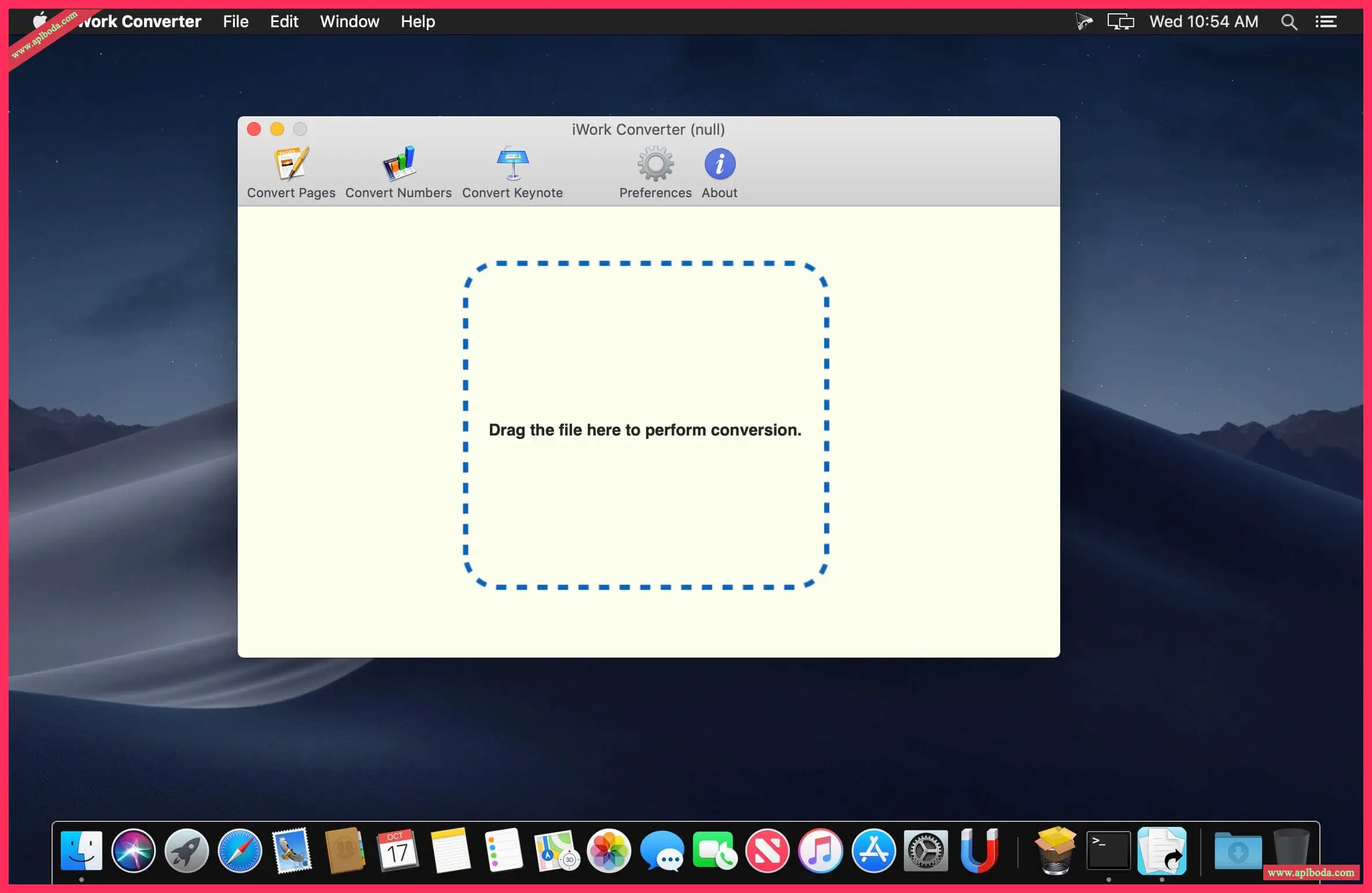
iWork Converter converts iWork files in one step, while manual conversion requires at least 5 steps. Its benefits become more apparent when you convert in batches. To automatically generate Microsoft Office or PDF files, simply drag and drop iWork files into iWork Converter.

Supported conversions
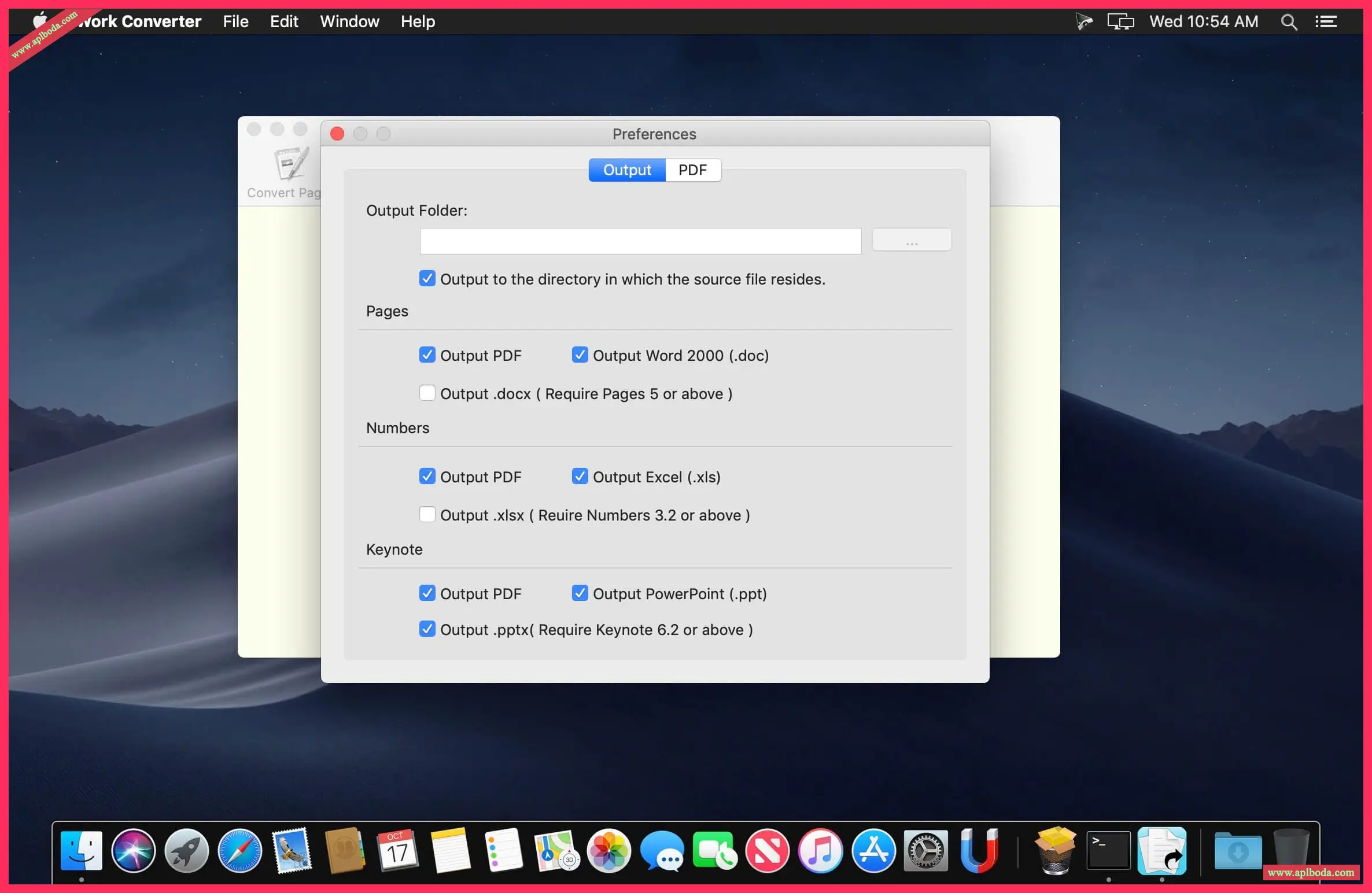
– Convert Pages files to .dox, .docx or .pdf files
– Convert Numbers files to .xls or .pdf files
– Convert Keynote files to .ppt or .pdf files
Source file format
– Pages 4.x (iWork '09) or later
– Numbers 2.x (iWork '09) or later
– Keynote 5.x (iWork '09) or later
Disclaimer: All articles on this site, unless otherwise noted or tagged, are original publications of this site. Any individual or organization is prohibited from copying, misappropriating, collecting, or publishing this content on any website, book, or other media platform without our prior consent. If any content on this site infringes upon the legitimate rights and interests of the original author, please contact us for resolution.

 English
  简体中文
简体中文  香港中文
香港中文  繁體中文
繁體中文  Deutsch