
Microsoft Office 2024 for MacIt is a collection of essential office software, including Excel, Word, PPT and other office software. Each application is designed to perform a specific task, and these applications are created to enable you to start working on any type of project while knowing that you have all the basic tools you need and more additional functions.

Word
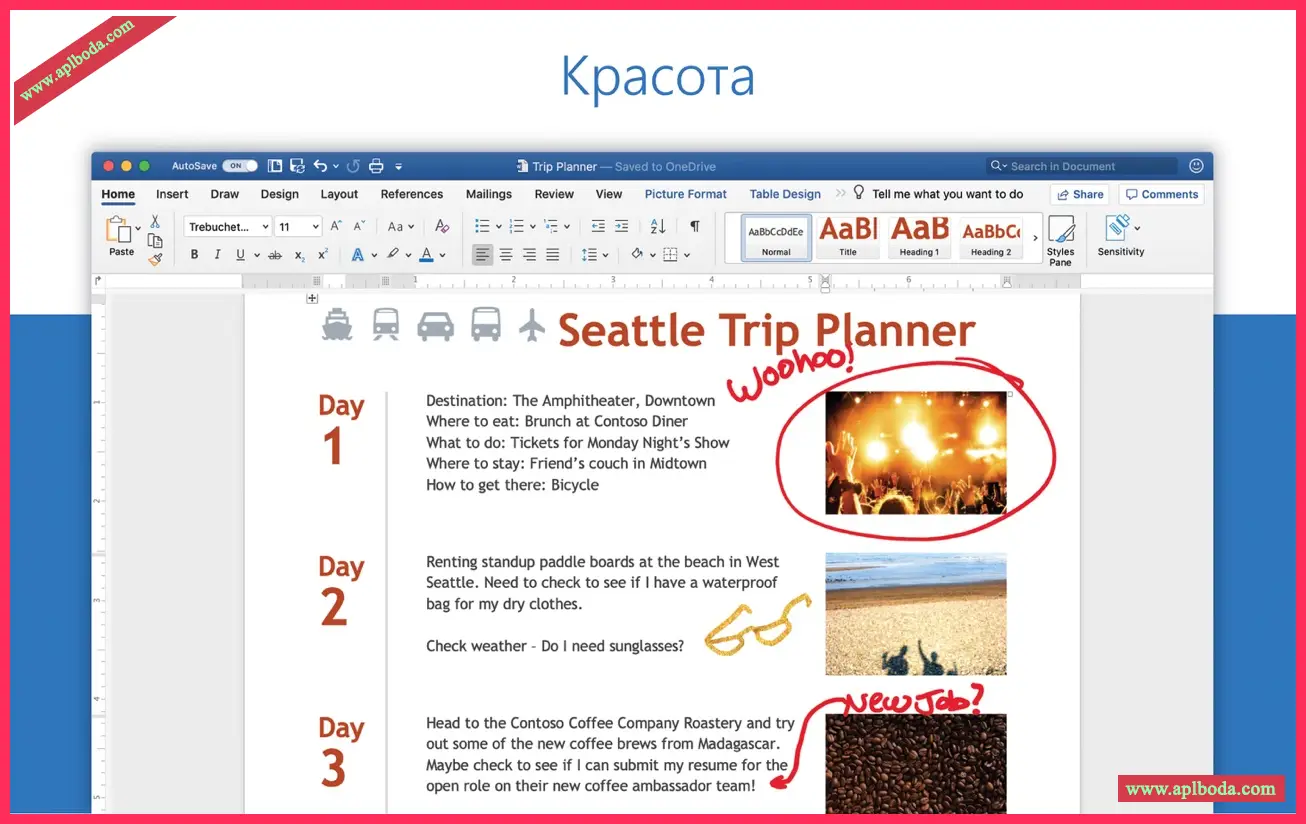
Create and share professional-looking documents using state-of-the-art editing, reviewing, and sharing tools. The new Design tab provides quick access to features, and Smart Lookup displays relevant, contextual information from the web directly in Word.
Excel
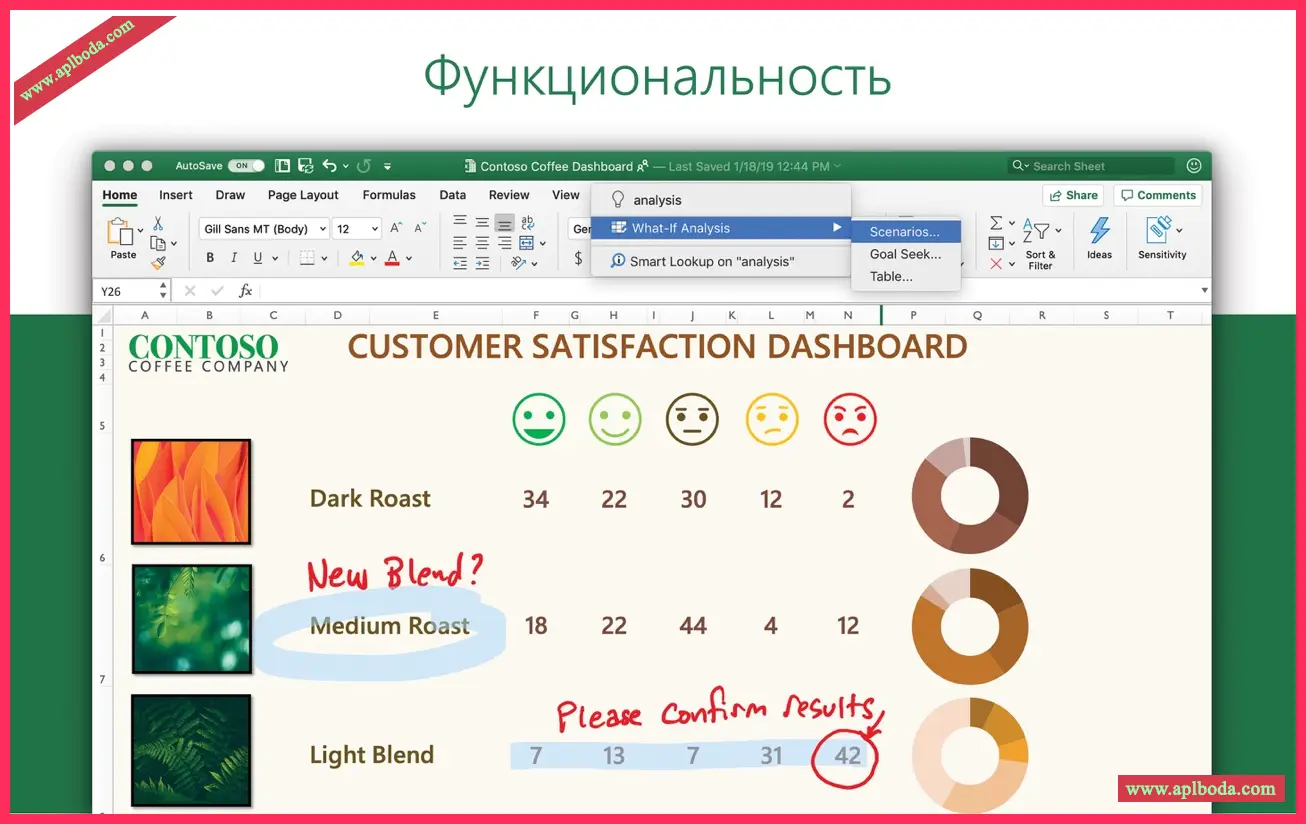
Analyze and visualize your data in new and intuitive ways using a fresh user interface and your favorite keyboard shortcuts. Save time with features like the Analysis Toolpak, Slicers, and Formula Builder so you can focus on insights.
PowerPoint
Create, collaborate, and effectively present your ideas using new slide transitions and the improved Animation task pane. Threaded comments alongside slides help you incorporate feedback into your presentations. Presenter view shows the current slide, next slide, speaker notes, and a timer on your Mac while projecting only your presentation to the audience on the big screen.
OneNote
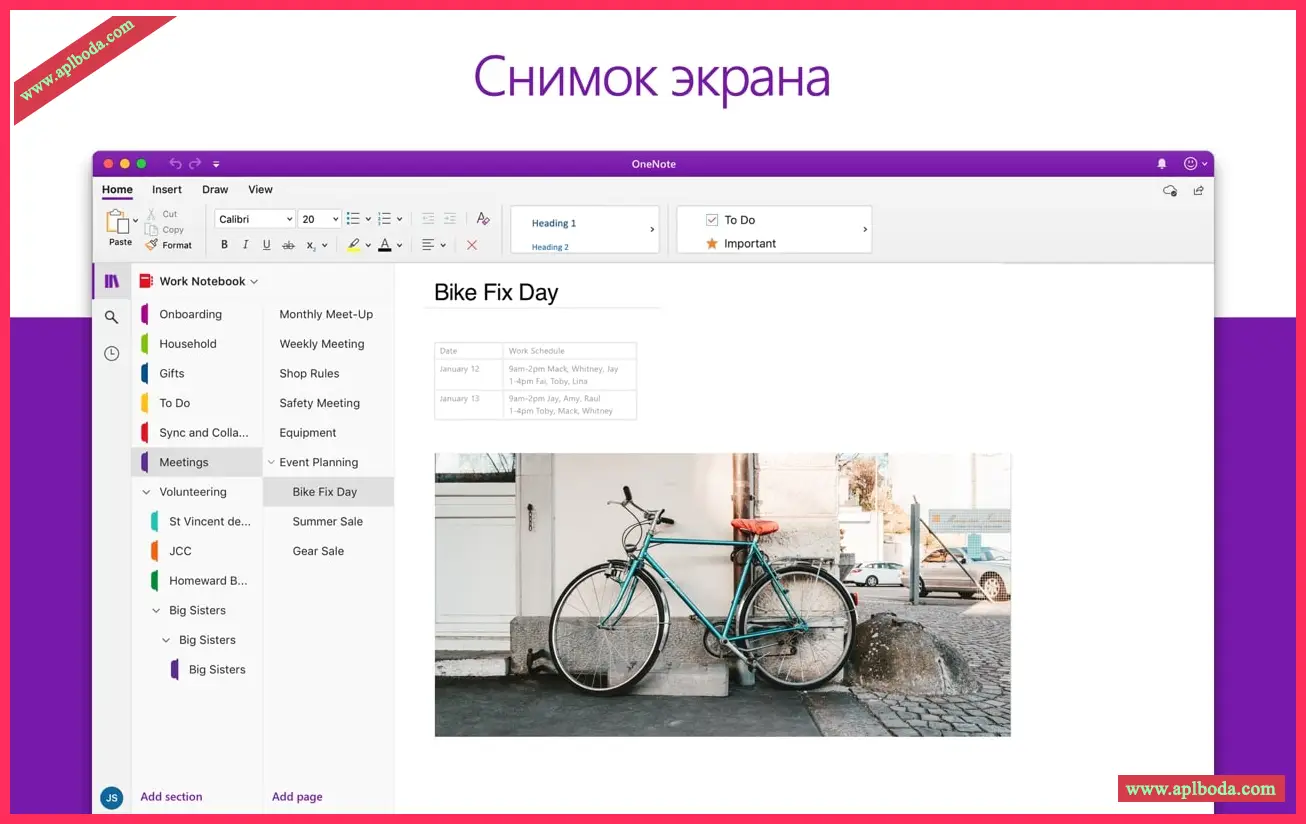
It's your own digital notebook, so you can keep notes, ideas, web pages, photos, even audio and video, all in one place. Whether you're at home, in the office, or on the go, you can take it with you and share and collaborate with others. It's perfect for schoolwork, work projects, travel plans, party planning, and more.
Outlook
Easily manage your email, calendar, contacts, and tasks. Push email support keeps your inbox up to date, conversation view groups related messages, and calendars can be viewed side by side for planning.
versionThis 16.64 update contains:
Excel
Improved support for using the AutoComplete list with screen readers: As you enter a function name, Excel suggests functions that match what you typed. We've added support so that screen readers like VoiceOver can read the function names as you navigate up or down the list using the arrow keys.
Faster formula entry: Excel significantly speeds up entering formulas in cells by reducing memory usage, making more efficient use of allocated memory, and optimizing redrawing. These optimizations are more noticeable on devices with slower memory or slower CPU memory throughput, and on devices with larger cell ranges.
Outlook
SMIME as MIP Labels: This new capability allows organizations that have already deployed a functional S/MIME infrastructure to provide a more consistent end-user experience by using standard Microsoft Information Protection labels for all their classification and protection needs.
Security Updates


 English
  简体中文
简体中文  香港中文
香港中文  繁體中文
繁體中文  Deutsch