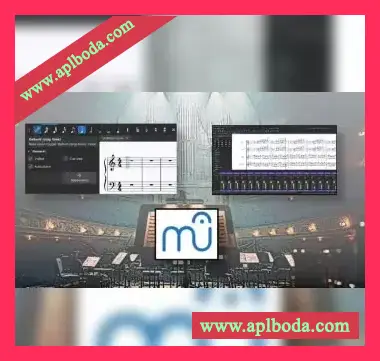
 Ready to turn your compositions into polished, professional scores MuseScore 4 lets you create beautifully formatted sheet music that plays back exactly as you intend. This comprehensive guide will show you how to master this powerful, free notation software.
This 2.5-hour course takes you from basic note entry to creating publication-ready scores and parts. You’ll learn three efficient ways to input notes (mouse, computer keyboard, or MIDI device), master professional notation techniques, and discover how to generate high-quality playback using both built-in sounds and external sample libraries.
The course is carefully structured to build your skills progressively. Starting with efficient note entry techniques, you’ll advance through professional formatting, dynamics, articulations, and performance instructions. By the end, you’ll be confidently creating complex scores and automatically generating perfectly-synced parts for your performers.
Using real-world examples, we’ll explore creating various types of scores including piano music, lead sheets, ensemble pieces, orchestral works, choral arrangements, and guitar tablature. You’ll learn practical techniques for:
Throughout the course, we focus entirely on practical skills you’ll use immediately – no filler content, just the tools and techniques you need. Whether you’re composing your first piece or your fiftieth, you’ll learn how to create scores that look and sound professional.
Join thousands of other composers and musicians who are using MuseScore to bring their music to life. Start creating professional scores today!
Note: This course uses MuseScore 4, which is completely free to download and use. No paid software or subscriptions required.
P2P