
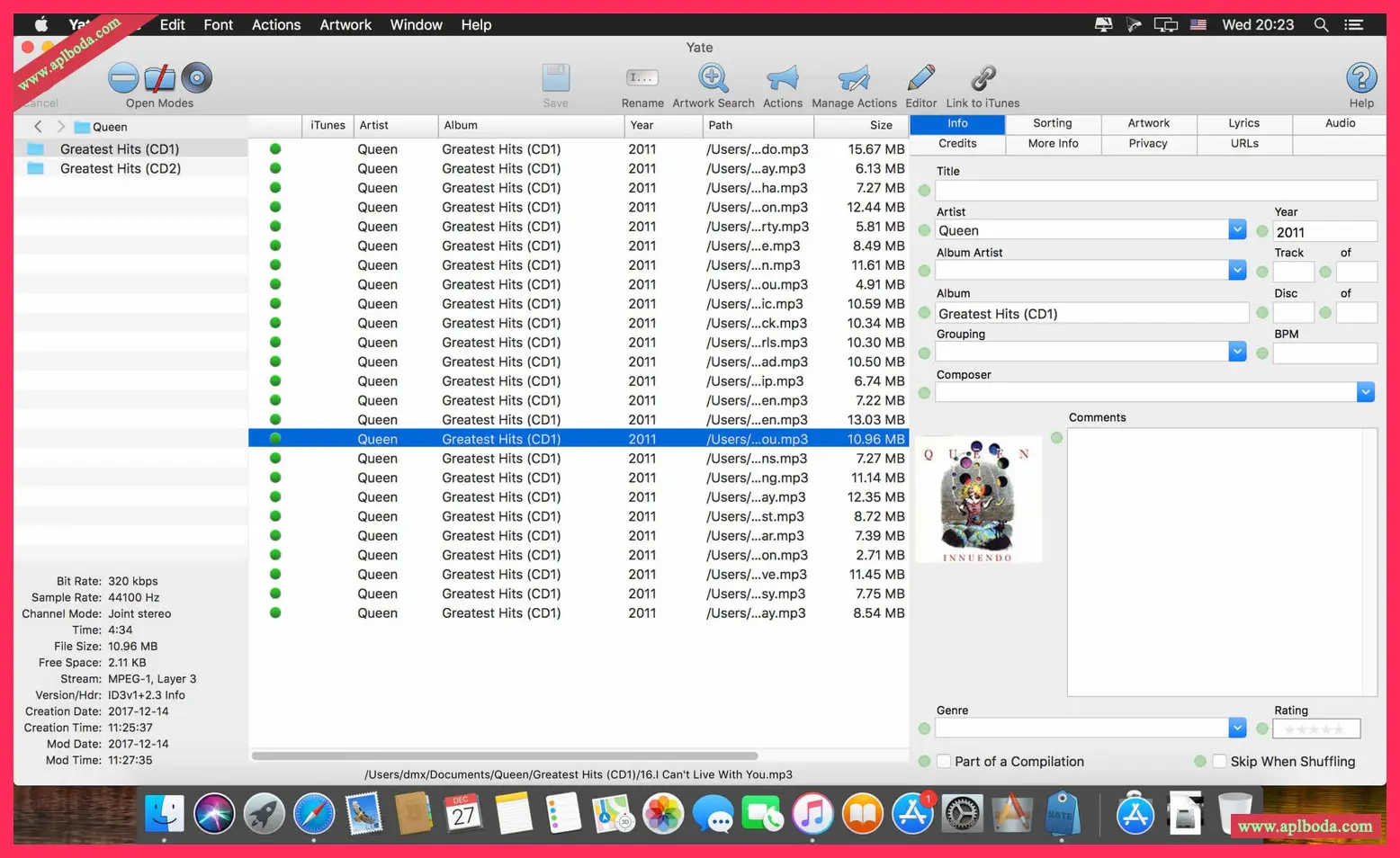
Yate was developed for people who want full control over their tagging experience. Supports audio in AIFF, DFF, DSF, FLAC, M4A, M4B, MP3, MP4, STEM.MP4 and WAV files. Supports video in M4V and MP4 formats.

Yate has a lot of features. Most importantly, it features an innovative scripting system called Actions. Actions can be used to update all the tags for an album with a single action. Yate also supports integration with AcouticBrainz, AcoustID, Beatport, Discogs, iTunes, and MusicBrainz. All changes can be easily reverted, and individual changes can be undone in any order. Whether you want to tag your files automatically or manually, Yate can do it!
Action Manager
I've written many actions that don't require a selected audio file. These include actions that dynamically load files, actions that manipulate a database, and so on. The problem is that the action won't run without at least one selected file.
There is a new column in the Action Manager called Always. When this column is enabled, it is treated as a hint to the action runner. Hints are used as follows:
If files are loaded and at least one file is selected, the behavior does not change.
If a file is loaded but no file is selected, a file will be automatically selected. The variable named File Auto Selected will be set to 1.
If no file is loaded, a temporary file will be supplied and selected. The named variable Temporary File Supplied will be set to 1. When the operation terminates, the file is deleted. Note that if the file is renamed or moved, it will not be automatically deleted.
Note that all file column settings are applied before always interpreting.
If this is your intention, it is still your responsibility to ensure that the selected files are not modified.
Actions that are set to always be enabled in menus, main window toolbar icons, and edit panel action buttons when no file is selected.
Added two new action statement categories: Import/Export and Preferences.

 English
  简体中文
简体中文  香港中文
香港中文  繁體中文
繁體中文  Deutsch