
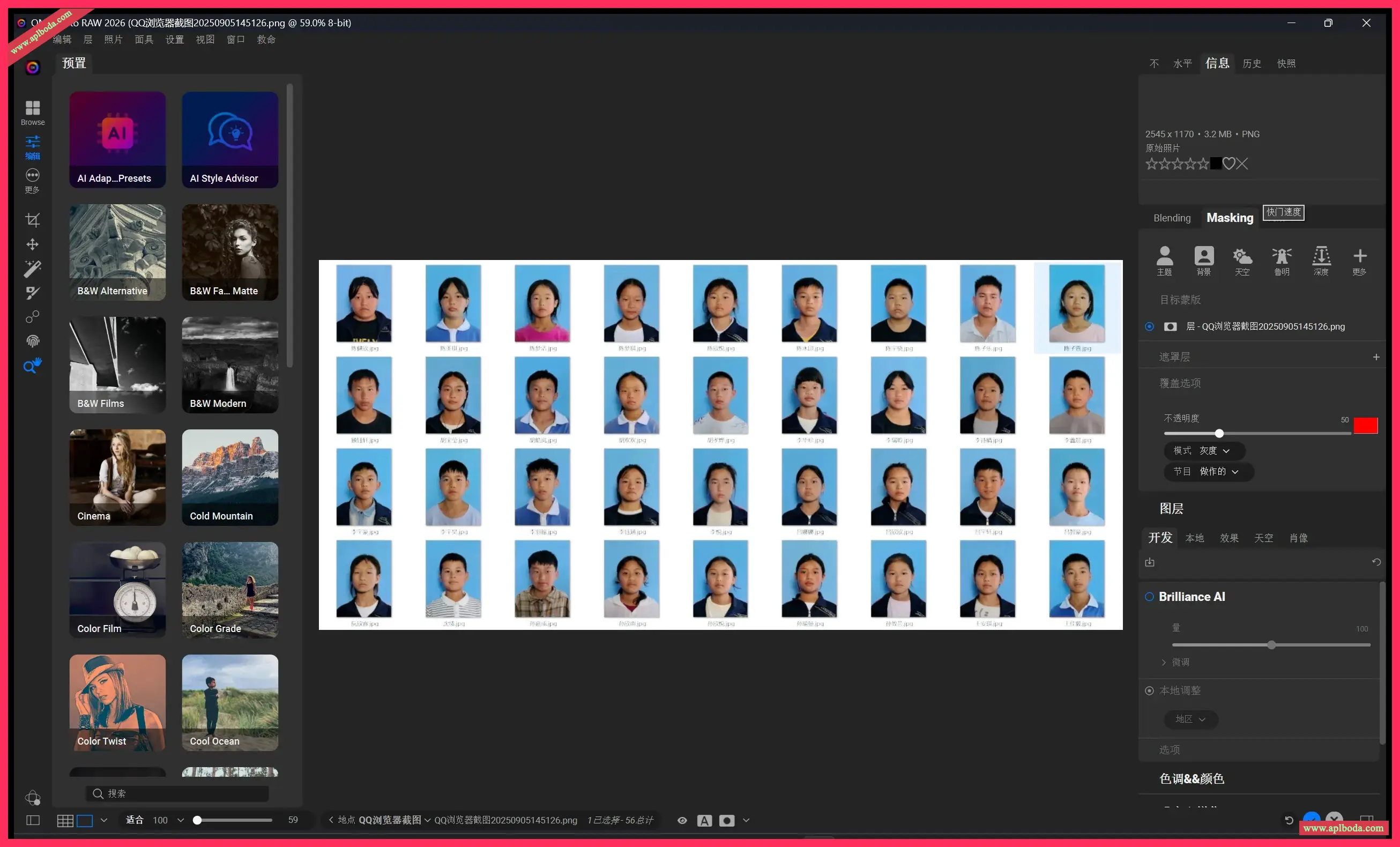
ON1 Photo RAW 2026 for winPhotographers need integrated desktop and mobile software tools that make it easy to create the highest-quality photos. Some companies release multiple apps to complete your photography workflow, locking your photos into their proprietary systems and forcing you to subscribe. Once you stop paying, they take away your software. Others are overly complex and overpriced for features you'll never use. This is also true for ON1 Photo RAW.

ON1 Photo RAW 2023 为每位摄影师提供基本的照片编辑需求,无论他们拍摄什么,无需在多个程序之间切换。获取所需的专业照片编辑工具,以获得所需的专业结果,同时保持高效、强大和简单的工作流程。
ON1 Photo RAW includes a state-of-the-art image processing engine at its core. Photo RAW is optimized for today's multi-megapixel cameras and high-performance computer graphics systems. It's the fastest, most flexible, and easiest-to-use photo editor on the market.
Creators want to create, not spend all their time learning how to use editing tools. Photo RAW is like Lightroom and Photoshop under one roof. It comes with the tools you need for compositing, hundreds of the most popular built-in presets and filters, and world-class masking tools to make your life easier.
ON1 Photo RAW gives you an open system with complete control over how you store, organize, edit, and purchase. No long imports, effortless organization, unlimited ways to adjust your style, and ON1 will never be a subscription-only model.
ON1 Portrait AI fits into nearly any workflow. Get stunning retouching results in seconds using ON1 Portrait AI as a plug-in:
Adobe Photoshop
Adobe Lightroom Classic
Adobe Photoshop Elements
Affinity Photo
Capture One (скоро)
Фото Apple
Corel Paintshop Pro
Version update content:
超级精选 AI
永远不要担心画笔,图层,蒙版或任何此类内容。只需指向并单击即可轻松编辑区域和对象。
超级精选 AI 增强功能
自从我们首次向世界展示超级精选AI以来,它根据您的反馈得到了显着改善。在这段视频中,Dan Harlacher展示了对超级选择AI的几项改进,包括增强的片段收集,改进的蒙版,实时预设预览等。
AI 支持的自适应预设
AI 支持的自适应预设可适应每张照片中的不同主题、场景、动物、人物等。您会惊讶于它们的强大功能以及它们将如何完全改变您的工作流程。
单击2次即可将预设添加到区域
想象一下,只需单击两下即可将整个预设添加到照片的一部分。新的超级选择AI工具只需单击几下即可为照片中的对象或区域添加调整图层,滤镜甚至整个预设,而无需刷牙。
遮罩AI
按主题类型自动瞄准你照片中的特定区域。它首先分析你的照片并建立一个所有区域的地图,如天空、水、山、地面、建筑、人、动物等。
即时查看预设
为您的图像找到正确的预设有时可能是一个挑战。如果您厌倦了查看缩略图以做出编辑决定,那么很快就会有一种新方法可以全屏查看照片。
新相机和镜头支持
我们将添加对新相机和镜头的所有最新支持。

 English
  简体中文
简体中文  香港中文
香港中文  繁體中文
繁體中文  Deutsch