

DaVinci Resolve Studio 20 for Win DaVinci Resolve Studio supports massive 32K resolutions up to 120fps, supports real-time playback of professional 10-bit formats using multiple GPUs, and includes hardware-accelerated H.264 and H.265 codecs. It includes immersive audio tools like Dolby Vision, HDR10+ color grading and rendering, the DaVinci Neural Engine, and over 30 additional Resolve FX plug-ins. It also includes temporal and spatial noise reduction, motion effects, lens distortion correction, deinterlacing, workflow and media management integration, remote API scripting, remote and networked color grading, rendering, and encoder plug-in support. Add a second monitor for full screen playback!
Introducing the powerful new DaVinci Neural Engine AI tool and massively upgrading over 100 features! Editors can use transcribed audio directly to find the speaker and edit timeline clips. Colorists can use the ColorSlice six-vector settings panel to create film-like tones, and use the new Film Look Creator movie style creation tool to simulate the photometric film process to create images with a cinematic look. The IntelliTrack AI tool in Fairlight can be used to track movement and automatically adjust audio panning. Fusion provides visual effects artists with an expanded USD toolset and a new MultiPoly dynamic masking tool. The quick edit page adds broadcast-grade replay tools for real-time multi-camera broadcast editing and playback, supplemented by replay with speed control.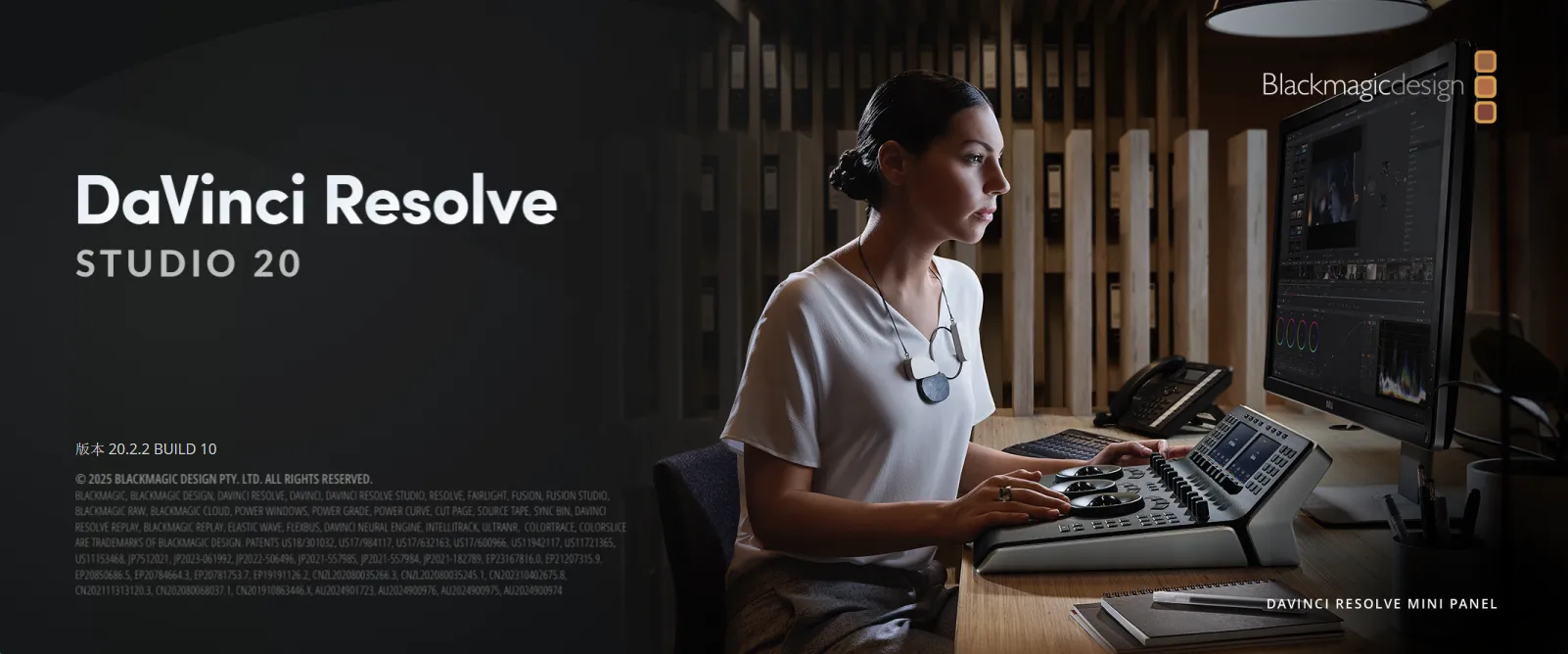
本次软件更新改进了在Mac计算机上使用Rec.709文件时检视器的色彩管理性能,提高了Fairlight音频页面的播放流畅度,强化了剪辑时间线的修剪和波纹操作表现,并且将EXR文件转换回ProRes时能更好地保留沉浸式摄影机数据。
DaVinci Resolve 20.2.2 的新功能
The following features have been added or updated.
- 改进了 Rec.709 场景的 Mac 查看器色彩管理。
- 解决了 Fairlight 上间歇性抖动播放的问题。
- 解决了修剪编辑有时会删除链接的音频的问题。
- 解决了波纹删除有时取消链接剪辑的问题。
- AI IntelliScript 现在适用于多机位剪辑。
- 解决了转到鼠标指针在电影查看器中不起作用的问题。
- 解决了在固定播放头模式下转到鼠标指针的问题。
- 解决了在检查器中重命名生成器的问题。
- 解决了编辑时间线中刀片悬停预览的问题。
- 解决了编辑页面中某些波纹修剪作的崩溃问题。
- 解决了时间轴子剪辑的轨道剪辑计数不正确。
- 从剪辑应用等级现在遵循节点堆栈等级首选项。
- 解决了编辑 Fusion 样条线缓动值的问题。
- 解决了加载某些USD纹理路径时的问题。
- 解决了在 Fusion 中从 Renderer3D 查看命名层的问题。
- 解决了一些 Swizzler 组合的网络渲染问题。
- 解决了某些 mp3 文件上的音频卡顿问题。
- 解决了Fairlight查看器在特定宽度下隐藏的输入控件的问题。
- 解决了使用运动混合时 R3D 伪影的问题。
- 解决了 EXR 到 ProRes 转码丢失沉浸式元数据的问题。
- 脚本 API 支持在项目创建时设置媒体位置。
- 脚本 API 支持查询和应用 Fairlight 预设。
- 解决了从脚本查询某些渲染格式的问题。
- 右键单击媒体元数据以复制文件元数据值。
- General performance and stability improvements.
Minimum system requirements for Windows
- Windows 10 创作者更新版。
- 16 GB 系统内存(使用 Fusion 时需 32 GB)。
- 监控设备需 Blackmagic Design Desktop Video 12.9 或更高版本。
- 集成显卡或独立显卡,至少配备 4 GB 显存。
- 支持 OpenCL 1.2 或 CUDA 12.8 的显卡。
- 显卡制造商提供的 AMD/Intel 官方驱动程序。
- NVIDIA Studio驱动程序570.65或更高版本。

 English
  简体中文
简体中文  香港中文
香港中文  繁體中文
繁體中文  Deutsch