
Alfred 5 for MacAn award-winning app that increases efficiency with hotkeys, keywords, text expansion, and more. Search your Mac and the web, and control your Mac with custom actions to boost productivity.

# Search and Browse #
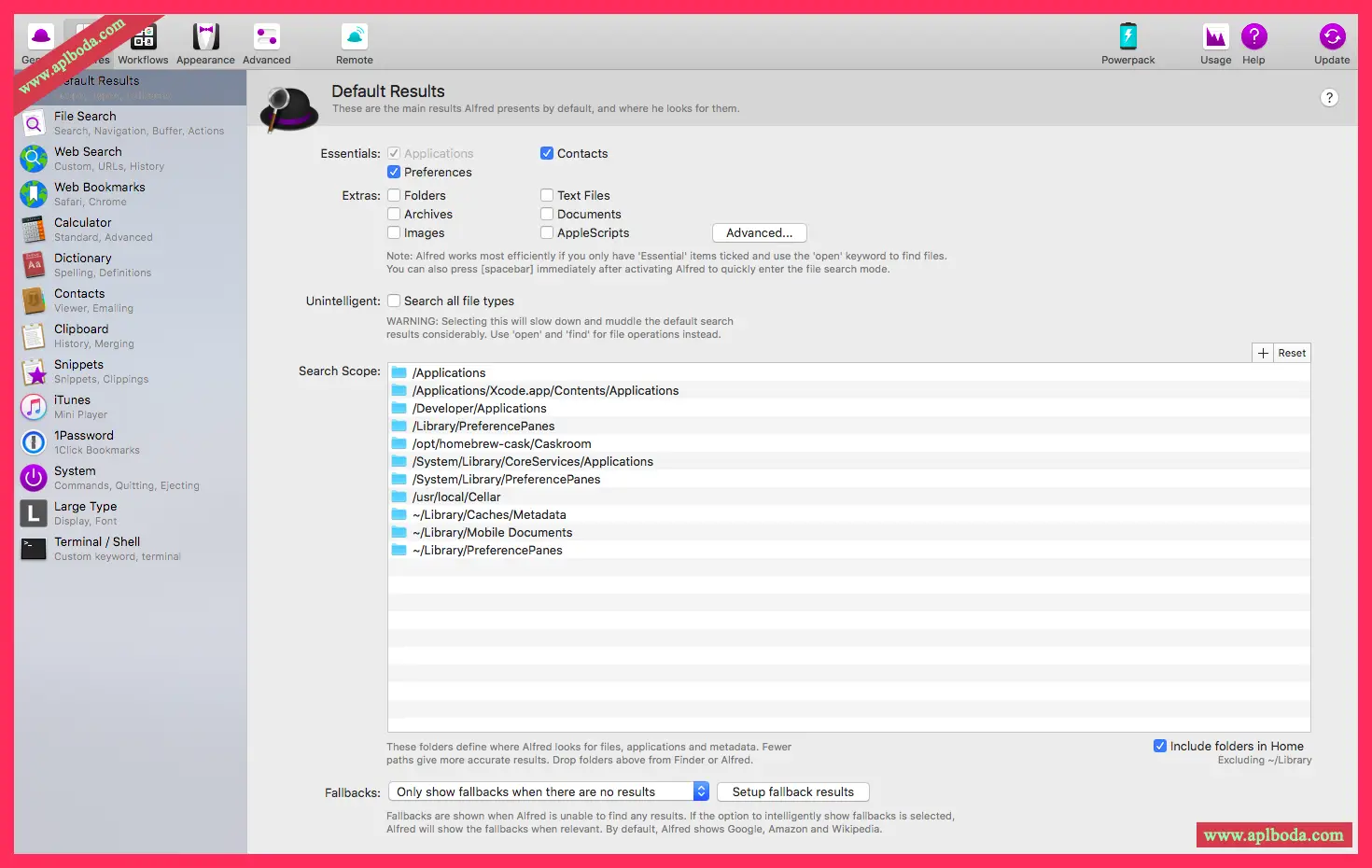
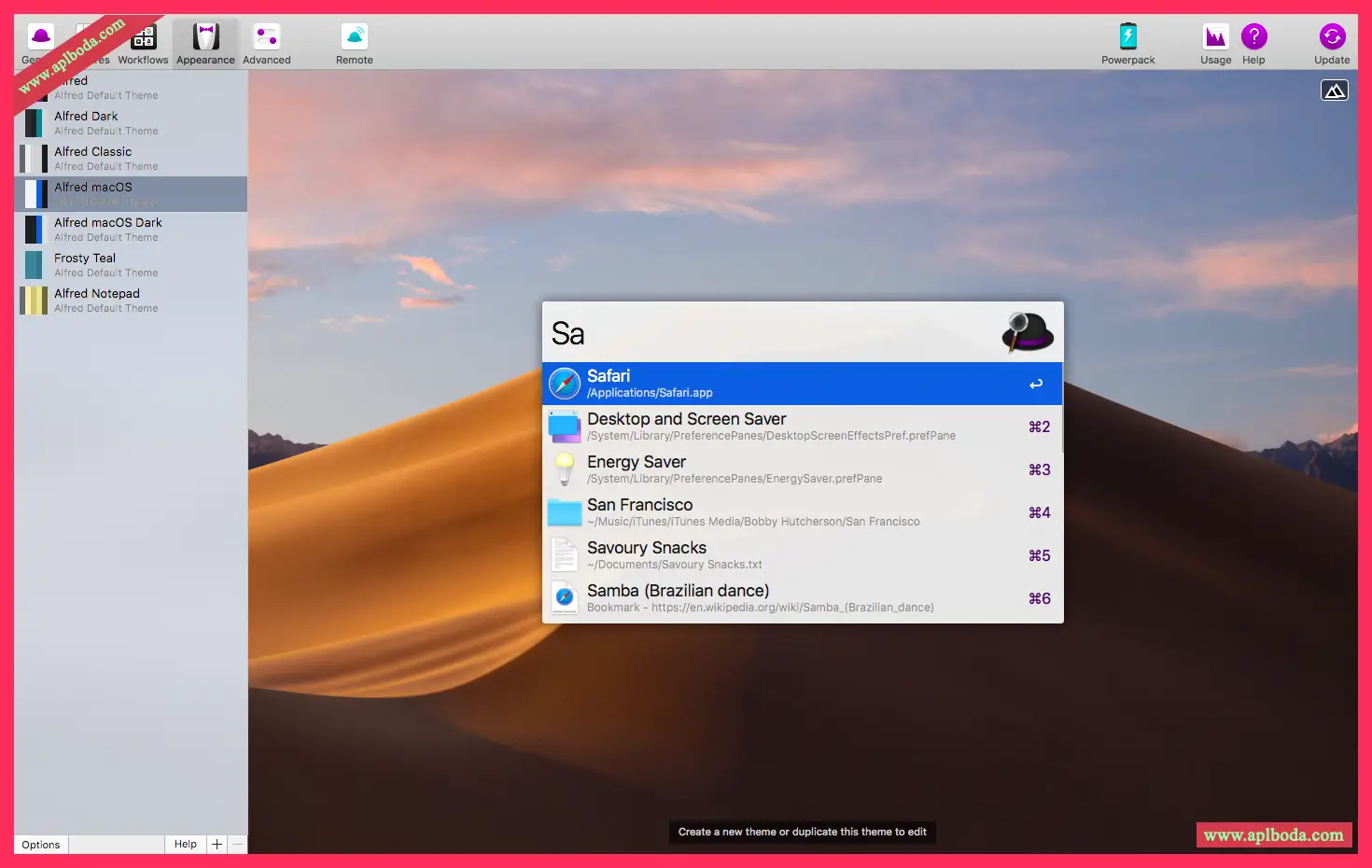
Launch applications and find files on your Mac or on the web. Alfred understands how to use your Mac and prioritizes results.
You can save a lot of time by using hotkeys, keywords, and customizing how you search your Mac and activity history.
Jump in and browse, preview files, and act on them without lifting your fingers from the keyboard.
# Less input #
No need to type the same URLs or responses over and over again thanks to Alfred's clipboard history and snippets features.
Use the Clipboard History to find any text, image, or file you've previously copied and paste it again.
Create your own snippets and enter a short abbreviation to have it automatically expanded into a full-text snippet, saving you hours of typing in the long run!
# expansion and automation #
With Alfred's Powerpack, use powerful workflows to perform tasks more efficiently and reduce repetitive manual tasks.
Chain together hotkeys, keywords, and actions to create your own workflows. Create workflows without writing a single line of code. Import thousands of workflows already shared by our community of creators.
# Control your music #
You're the Boss. Increase your productivity by taking control of your Mac using Alfred's deep integration with macOS. Quickly take action on files and contacts, control your music player, and dispatch system commands.
Add a little fun to your day; turn your iPhone or iPad into command center for your Mac with Alfred Remote for iOS.
Also, take a look at the many workflows for other music services like Spotify.
Features:
Find apps and files
Launch applications and find files without lifting your fingers from the keyboard.
Search the web
Search your favorite sites using default and custom search keywords.
calculate
Perform quick math calculations and copy the results to the clipboard.
Spelling and Definition
Check your spelling or quickly find the definition of a new word.
System Commands
Hibernate your Mac, empty the Trash, activate the screen saver, and other functions with a keyword.
Quick Look
Tap the Shift key to preview the file contents without opening it.
Usage Statistics
See how much you rely on Alfred with your own usage statistics graph.
Clipboard History
Search and paste past copied text clippings, images, file paths and color hex codes.
Fragment expansion
Save frequently used text clippings as snippets and automatically expand them anywhere.
Workflow
Create or import extremely powerful workflows to increase productivity.
Hotkeys
Keep your hands on the keyboard and use hotkeys to launch applications and files.
Navigation and Actions
Browse a directory of files and perform actions on the results.

 English
  简体中文
简体中文  香港中文
香港中文  繁體中文
繁體中文  Deutsch