
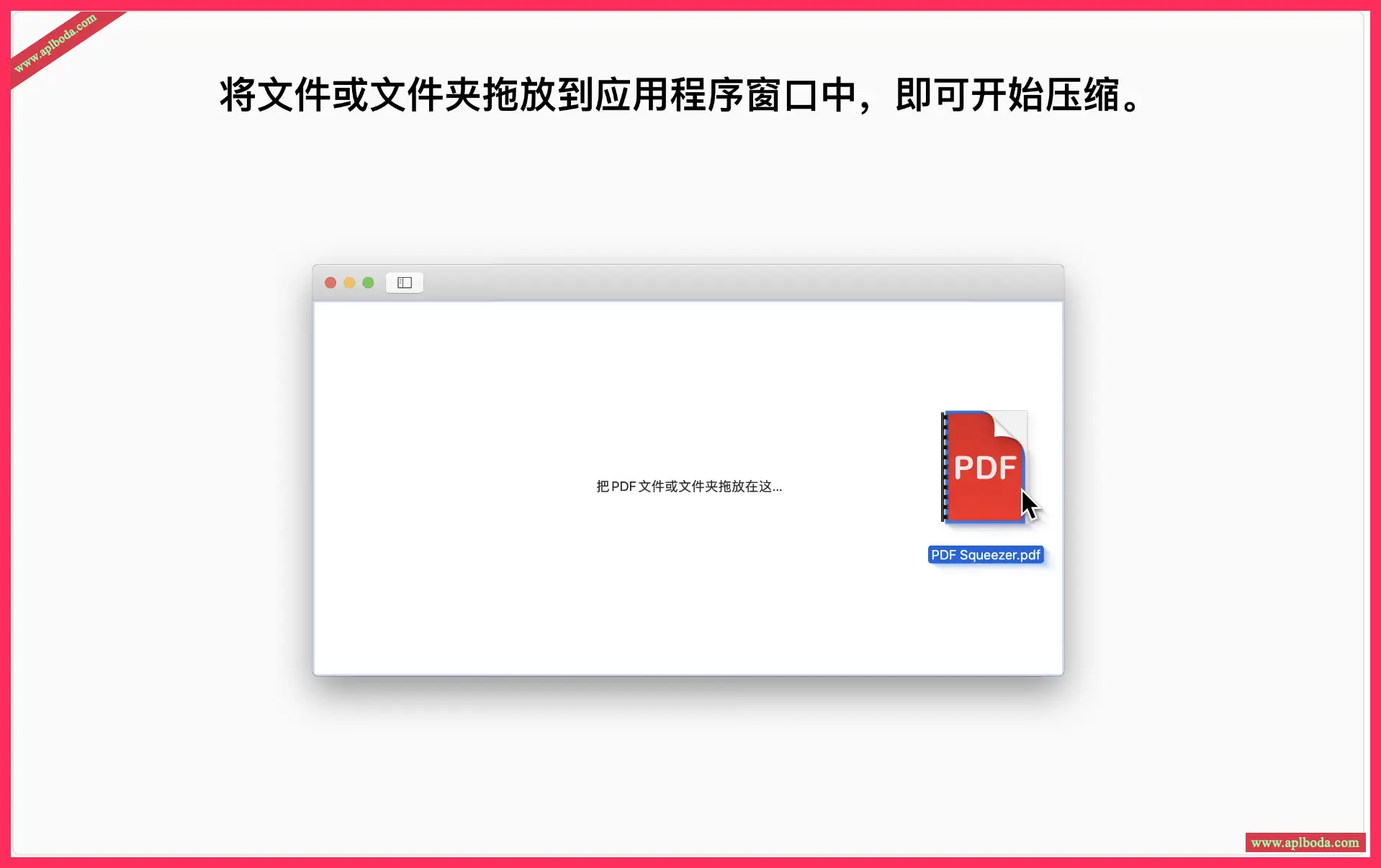
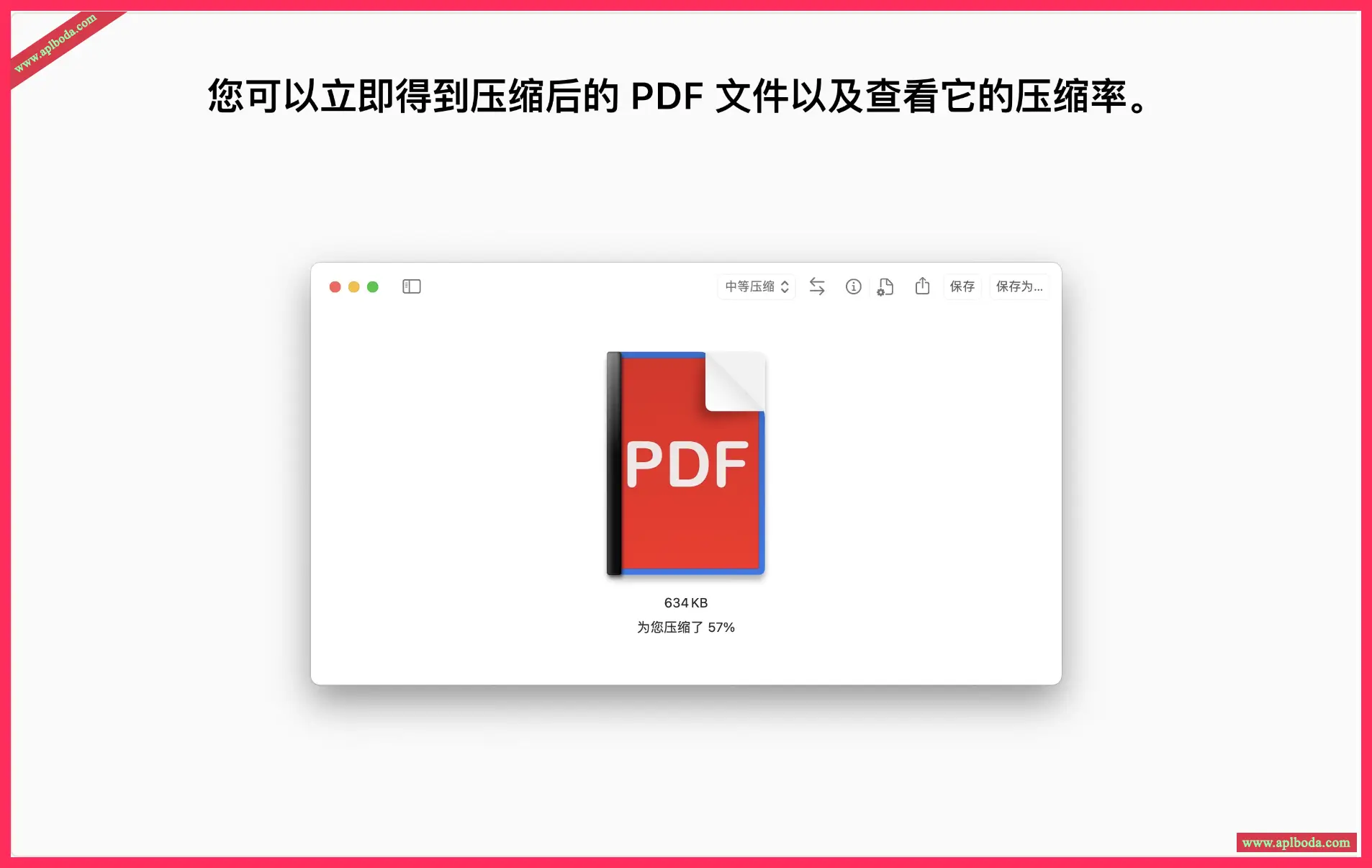
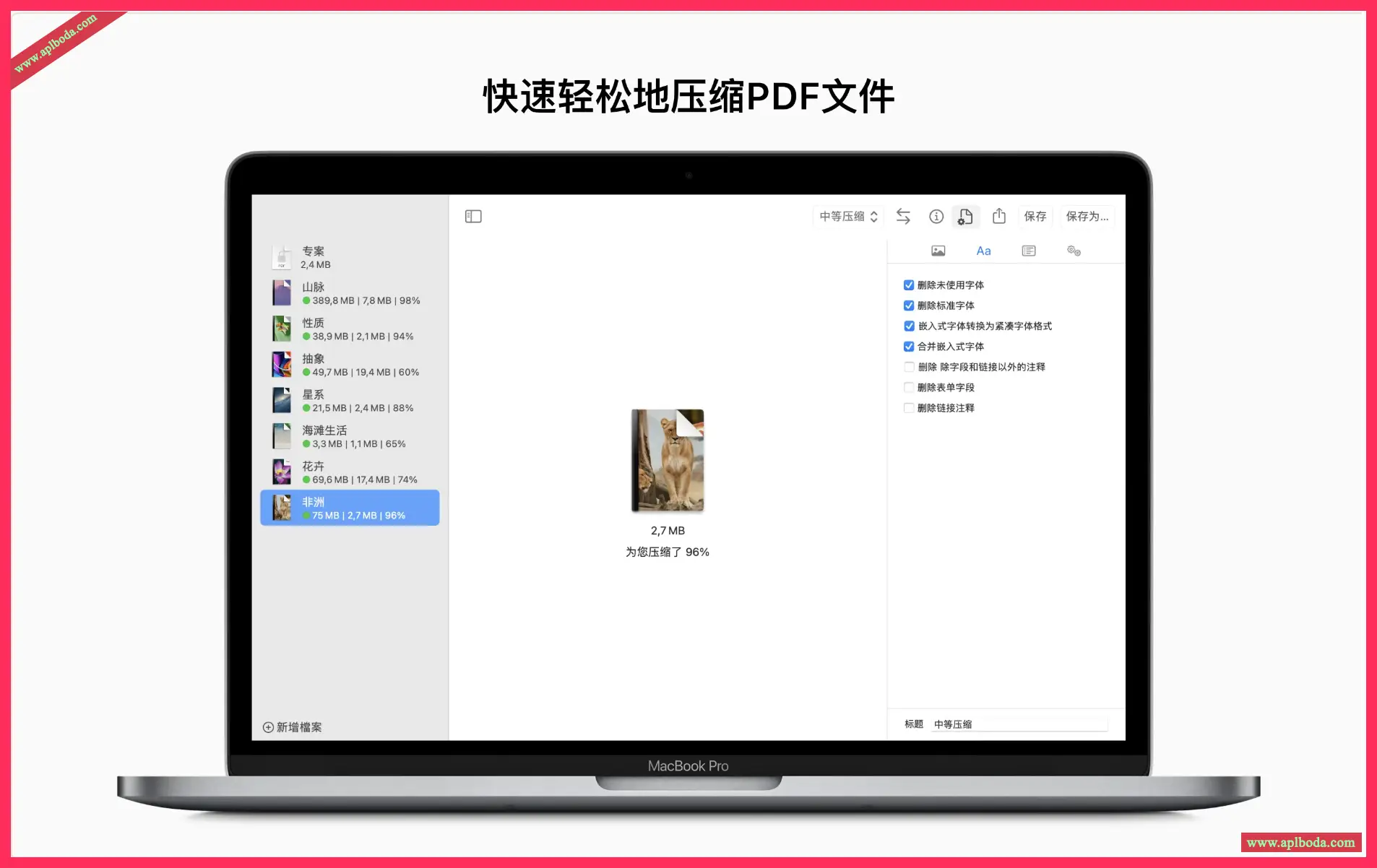
PDF Squeezer 4 for MacAllows you to compress PDF files quickly and easily. Just click on the file you need to compress, drag and drop it into the application - it's that easy!

Features:
Designed for Mac
Designed and engineered to work optimally with macOS
Easy to operate
Drag and drop files into the application window to start compression
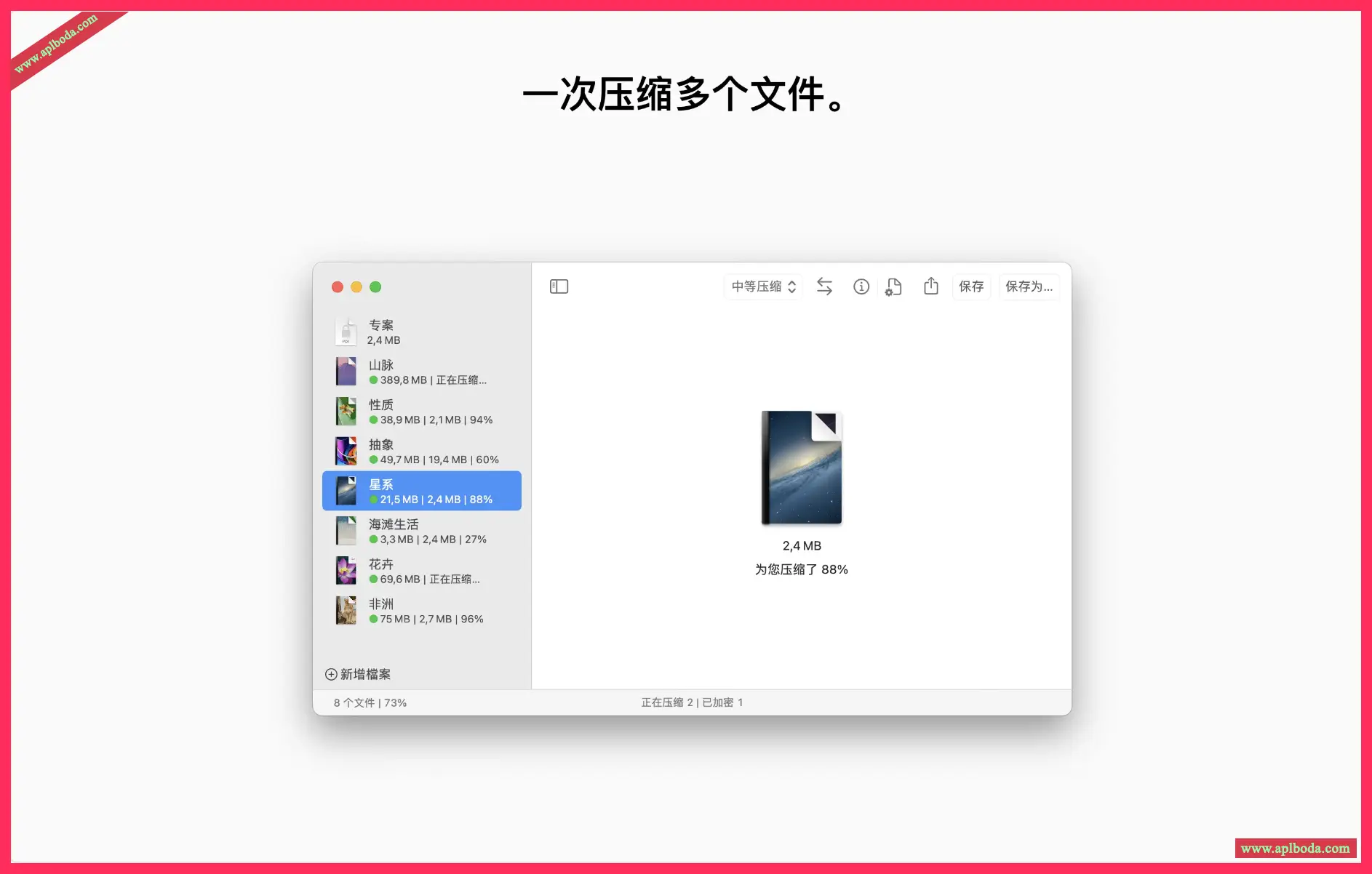
The more the better
Batch compress the contents of multiple files or folders
Every bit counts
A complex compression process that uses various methods to reduce file size
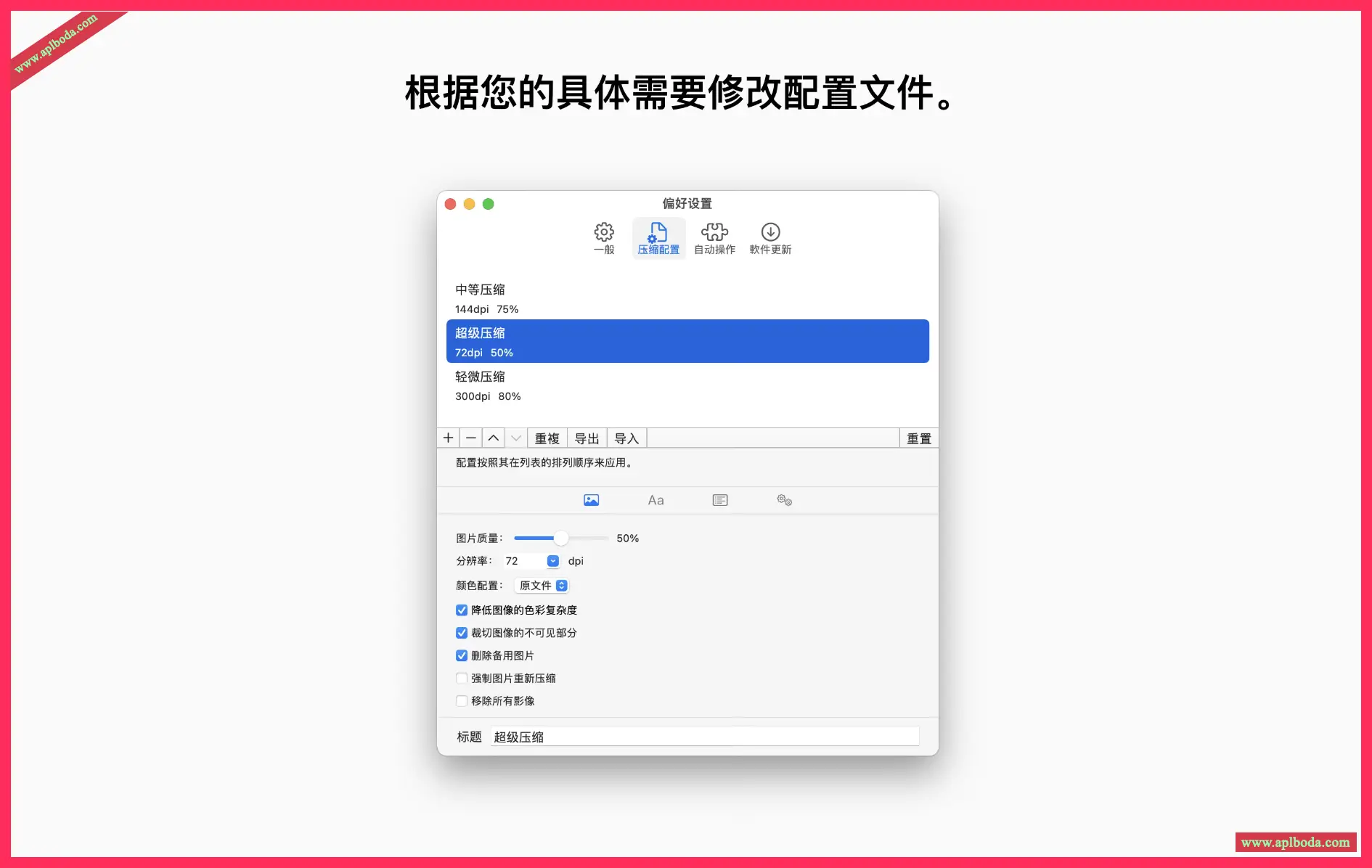
Compression Profile
Choose from predefined compression profiles or create your own
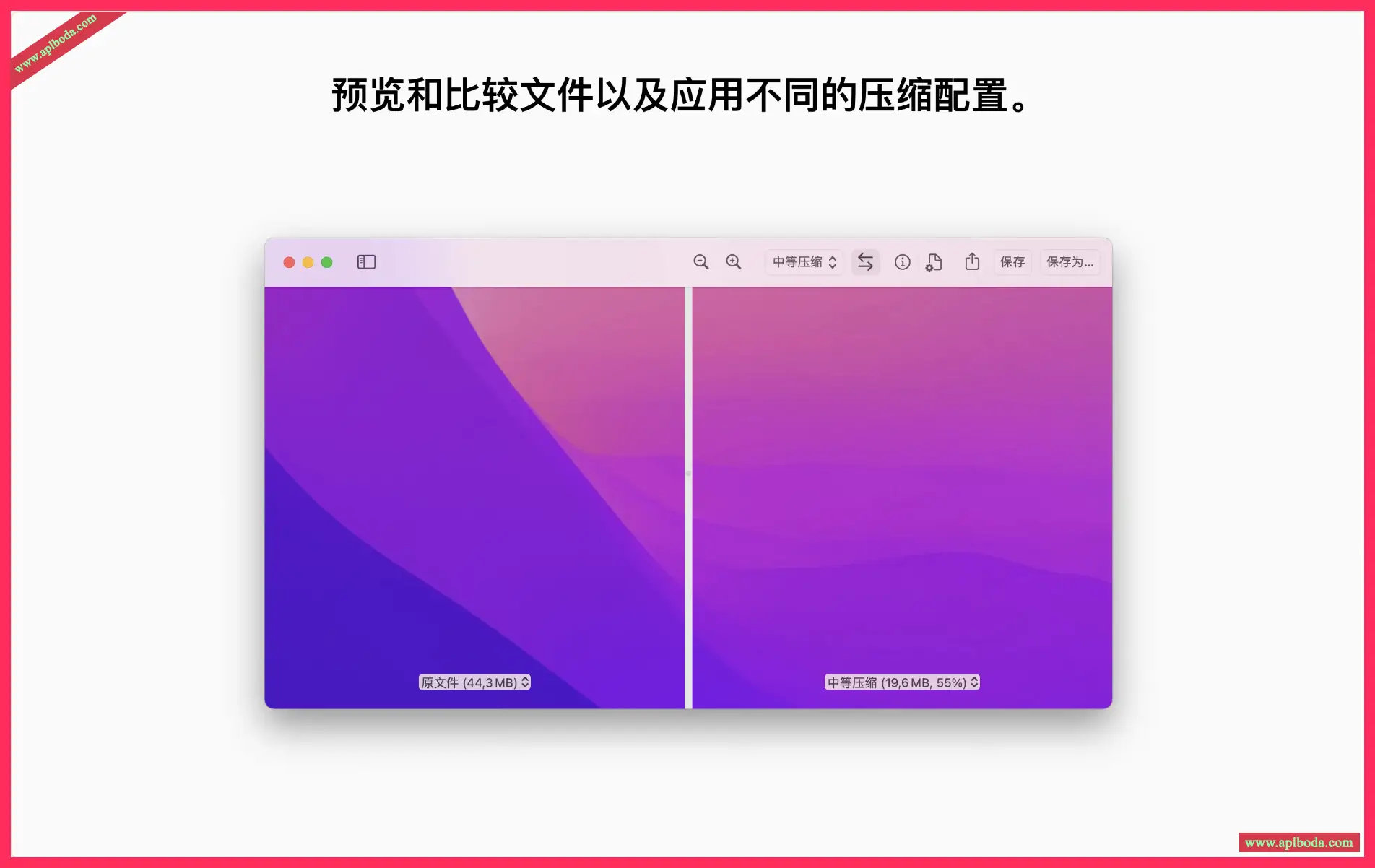
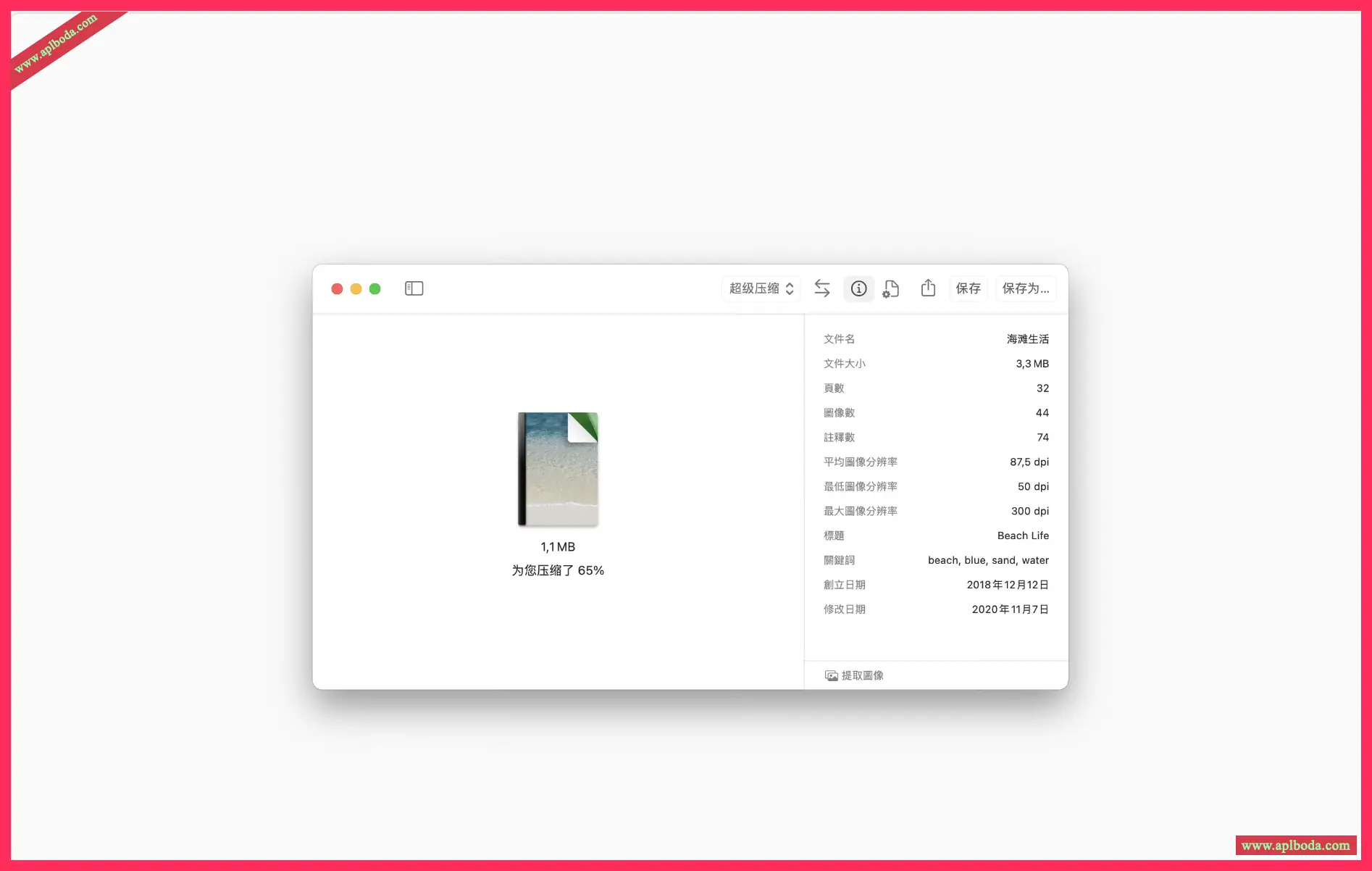
Side-by-side comparison
Easily compare files and different compression settings
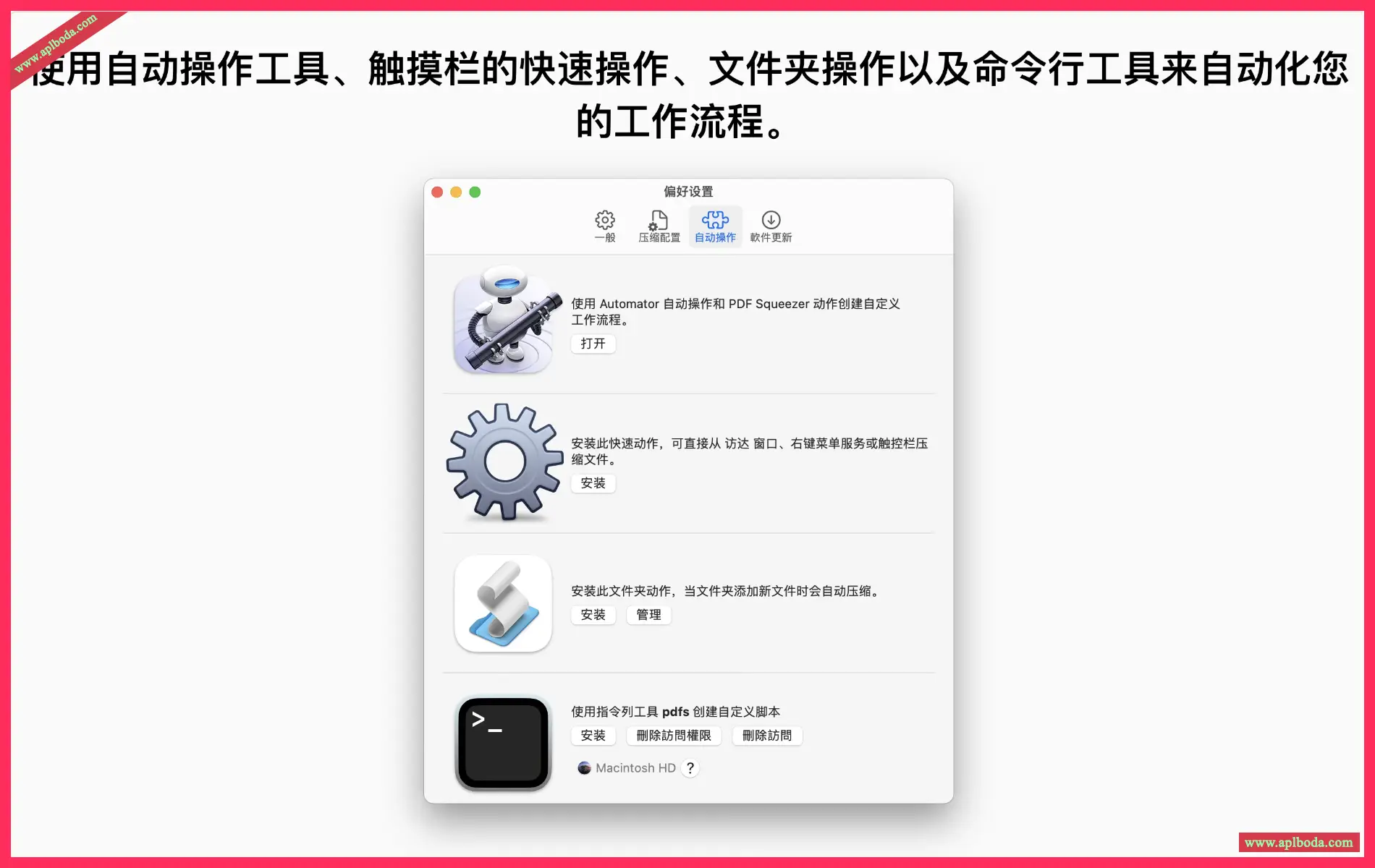
Automate your workflow
Leverage Automator actions, Quick Actions, and the command line interface
Folder convenience
Select a folder and compress all its files – including subfolders
Full Screen Mode
The application window supports full screen mode, which is particularly useful when comparing compression ratios
New statistics, statistics, statistics
See how much disk space you have saved since you started using PDF Squeezer. You will be surprised how much disk space you have saved after a while.

 English
  简体中文
简体中文  香港中文
香港中文  繁體中文
繁體中文  Deutsch