
Motion for Mac is a powerful motion graphics tool that helps you easily create cinematic 2D, 3D, and 360° titles, smooth transitions, and realistic real-time special effects. Powered by the all-new Metal engine, Motion also lets you create and play special effects at astonishing speeds. Motion boasts a powerful and stable 360 VR motion graphics workflow and supports real-time output to VR headsets, allowing your designed 360° titles, generators, and filters to be seamlessly projected into VR scenes.

Designed specifically for video editors, Motion is a powerful motion graphics tool that lets you easily create cinematic 2D and 3D titles, smooth transitions, and realistic effects in real time.
2D and 3D subtitles
Import 360° media and design 360° titles, generators, and effects
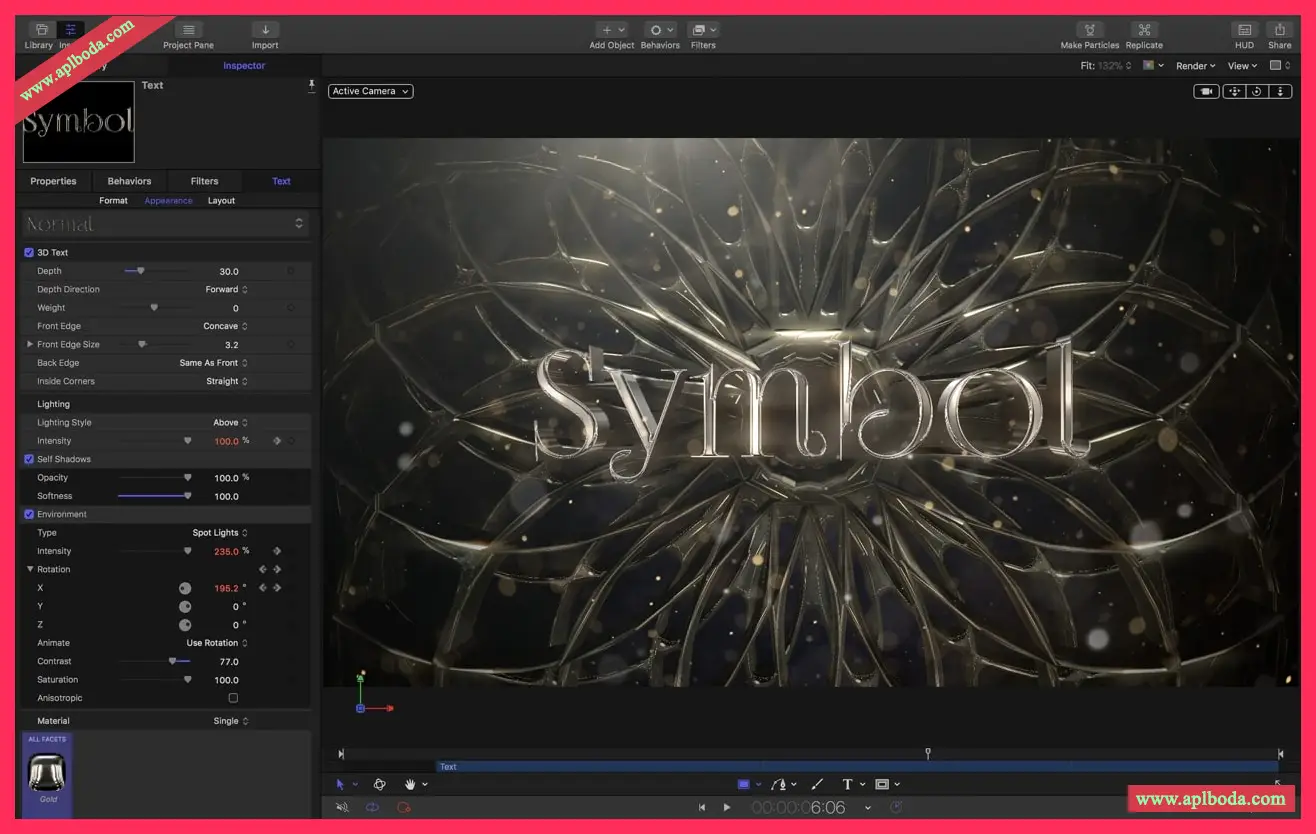
Build 3D titles from scratch, design with easy-to-use templates, or instantly convert any existing 2D title to 3D
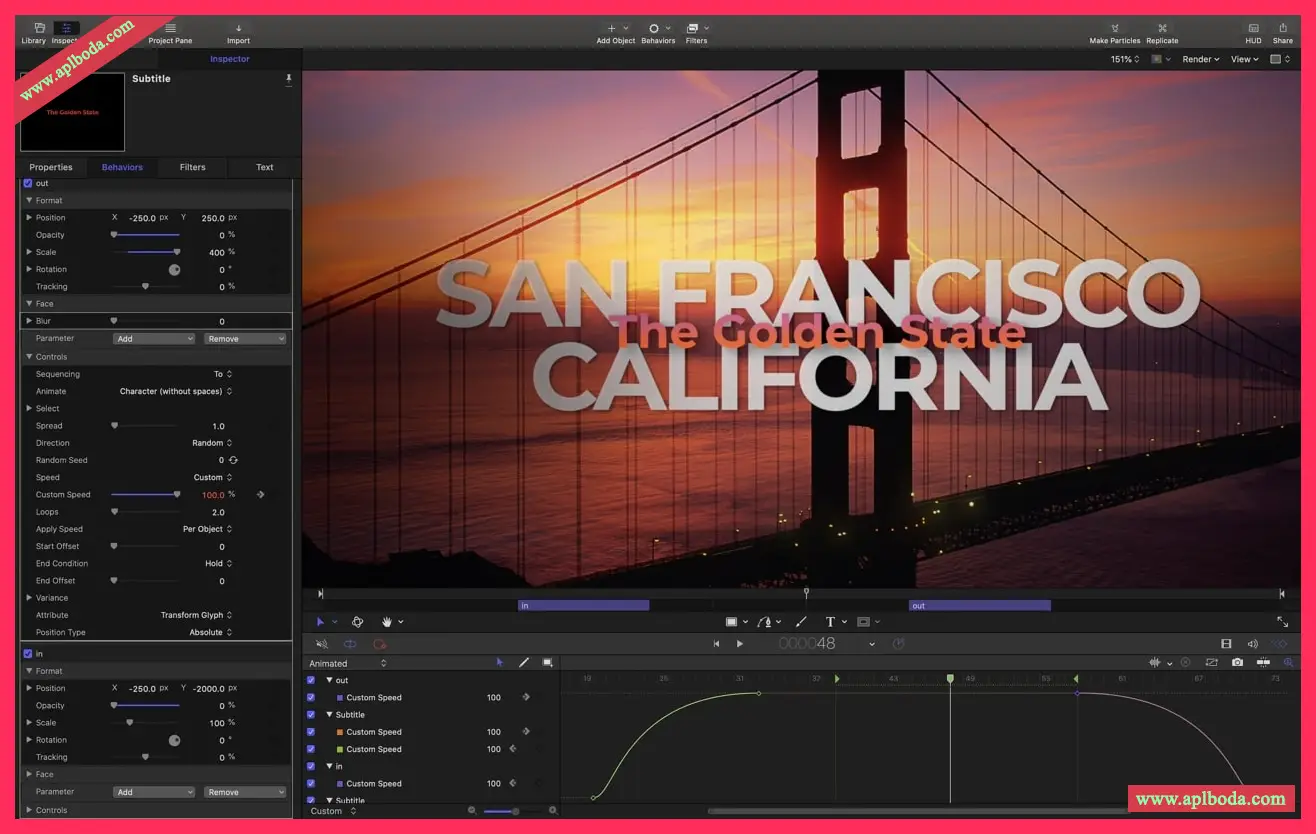
Easily create beautiful titles and animate them with over 100 drag-and-drop behaviors and intuitive text animation tools
Customize 3D titles and create a variety of looks with over 90 Apple-designed 3D materials, including metal, wood, and stone surfaces
Motion Graphics for Final Cut Pro
Save any title, effect, transition, or generator and access it directly in Final Cut Pro
Customize Final Cut Pro titles, effects, and transitions by opening them in Motion
Combine any single parameter and device to create a Motion template, which lets you control a group of parameters in Final Cut Pro using sliders, pop-up menus, or checkboxes.
Use the Display Aspect Ratio snapshot to create templates that support multiple aspect ratios
Gorgeous effects
Choose from over 230 behaviors for natural animation without keyframes
Use advanced color grading filters like color wheels, color curves, and hue/saturation curves
Create precise chroma keys in one easy step with the Key filter
Create your own brushes and 3D strokes, or use one of 140 brush presets
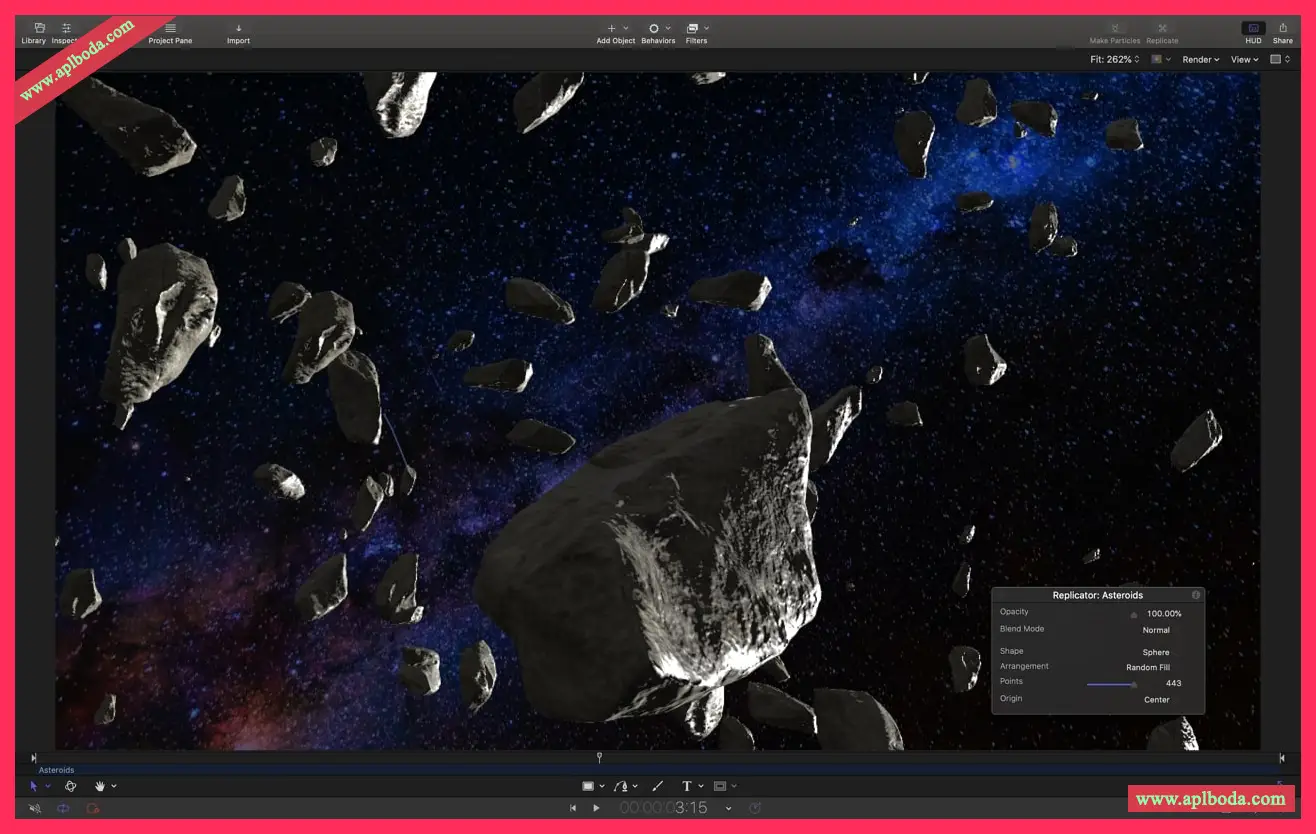
Design your own particle emitters or choose from 200 presets for realistic effects like smoke and sparkles
Use professional masking tools to quickly draw and adjust control points for rotoscoping
Use intuitive keyframe tools to precisely control the timing of animations
Add the Tiny Planet filter when adding 360° video to a non-360° project to create magical effects
Take advantage of the ecosystem and use third-party FxPlug plug-ins for tasks such as advanced tracking, advanced motion graphics, etc.
Easily achieve 3D
Transition from 2D to 3D space by adding cameras
Create 3D scenes in 360° projects to create ultra-realistic 360° environments
Set up realistic shadows that can be animated dynamically following the movement of cameras and lights
Convert any shape, video plane, or stroke into a reflective surface in 3D space
Import third-party USDZ objects or use one of 60 pre-made objects from the Motion library
Breakthrough speed, quality, and output
Import wide-gamut HDR images, view them on supported Mac computers, and export them in standard Rec. 709 or wide-gamut Rec. 2020 color spaces
Improves performance and efficiency on Mac computers with Apple silicon
Use Compressor bundles to export your projects to multiple formats behind the scenes
System requirements: 4GB of RAM (8GB recommended for 4K editing, 3D titles, and 360° video editing), Metal-capable graphics card (1GB of VRAM recommended for 4K editing, 3D titles, and 360° video editing), 4.7GB of available disk space (3.5GB for the app, 1.2GB for additional content).
版本 v5.9更新内容:
自动跟踪场景中的对象,编辑以“电影效果”模式录制的视频,并在全新 MacBook Pro 上享受工作站级的性能体验
对象跟踪器
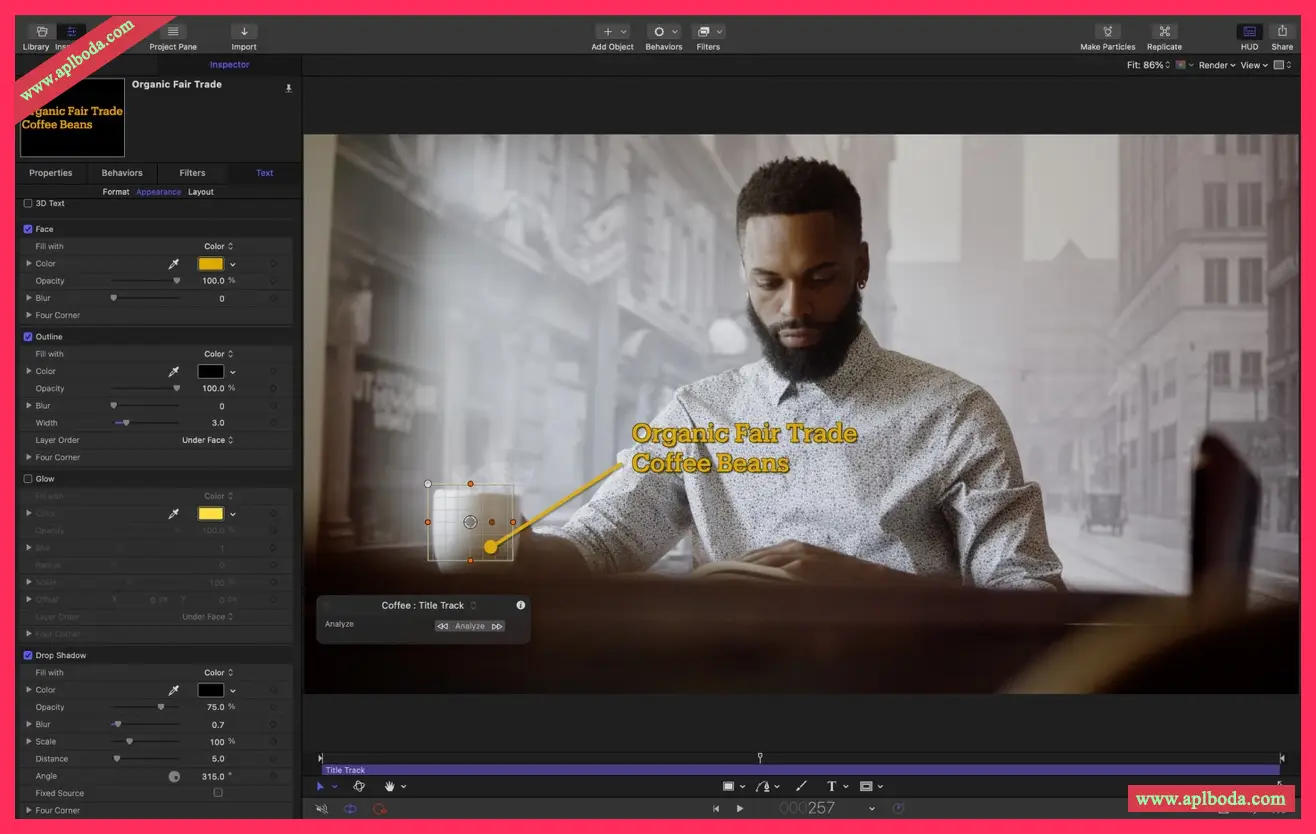
在检查器中选择新的“对象”模式,通过机器学习技术自动检测、跟踪和匹配面孔或对象的移动
配合分析运动、匹配移动和跟踪行为使用对象跟踪
提供不同的跟踪分析类型任您选择
在搭载 Apple 芯片的 Mac 上,对象跟踪使用 Apple 神经网络引擎加快视频分析
电影效果模式
编辑在 iPhone 13 上以“电影效果”模式录制的视频(需要 macOS Monterey)
在检查器中使用“电影效果”控制修改景深效果的强度,添加关键帧或行为以随时间更改效果
在检视器中使用“电影效果”工具选择面孔或其他对象以对焦它们
在视频时间线中查看或删除焦点
霓虹滤镜
轻松将霓虹光晕添加到文本、形状、视频和静止图像等

 English
  简体中文
简体中文  香港中文
香港中文  繁體中文
繁體中文  Deutsch