
Microsoft NTFS for Mac, developed by Paragon Software, is a file system primarily for Windows. If you work on a Mac and need to read or write files from a hard drive, SSD, or flash drive formatted for Windows, then you need this software. It allows you to write, edit, copy, move, and delete files to Microsoft NTFS volumes on your Mac. It's fast, seamless, and easy to use. You can mount, unmount, verify, format, or set any Microsoft NTFS volume as a startup drive. Due to macOS's limited support for Windows volumes, you can only read data; you can't write or delete anything. However, Microsoft NTFS for Mac by Paragon Software provides blazing-fast, unlimited read/write access to Microsoft NTFS hard drives, SSDs, or flash drives formatted for Windows computers. It's six times faster than any of the closest commercial competitors. It's fully compatible with macOS Sonoma and older versions of macOS and built for the latest Apple ARM technology, making it fully compatible with both M1 and M2 Mac devices. Installation and use are simple and easy, taking just a few steps. If you need more than just a blazingly fast and reliable Microsoft NTFS drive, our lightweight menu-bar and full-featured Microsoft NTFS for Mac by Paragon Software application will always be there for you. You can access all your Microsoft NTFS drives and perform the most common volume operations, such as mount, unmount, and verify. If you've used Apple's Disk Utility before, you already know how to use Microsoft NTFS for Mac by Paragon Software. If you haven't, getting familiar with it will only take a few minutes. Microsoft NTFS for Mac by Paragon Software takes the best of Apple's Disk Utility and takes it to the next level with enhanced Microsoft NTFS volume operations and advanced mount options. Mounting is completely under your control, with advanced options. If you need to access sensitive data without modifying any files, you can choose to mount read-only. If you prefer to manually control access to the volume, you can choose not to automatically mount.

Function
Grant full read and write permissions!
- Microsoft NTFS is one of the main file systems for Windows. If you work on a Mac and need to read or write files from a Windows-formatted HDD, SSD, or flash drive, you need Microsoft NTFS for Mac by Paragon Software.
- Write, edit, copy, move, and delete files on Microsoft NTFS volumes on your Mac! Fast, seamless, and easy to use. Mount, unmount, verify, format, or make any of your Microsoft NTFS volumes your startup drive.
Writing Files to Microsoft NTFS Drives on Your Mac
- Unable to write, copy, edit, or delete files on a Microsoft NTFS-formatted drive on your Mac? This is because macOS has limited support for Windows volumes—meaning you can only read data, but can't write or delete anything. Paragon Software's Microsoft NTFS for Mac provides ultra-fast and unlimited read/write access to any Microsoft NTFS hard drive, SSD, or USB flash drive formatted for Windows computers!
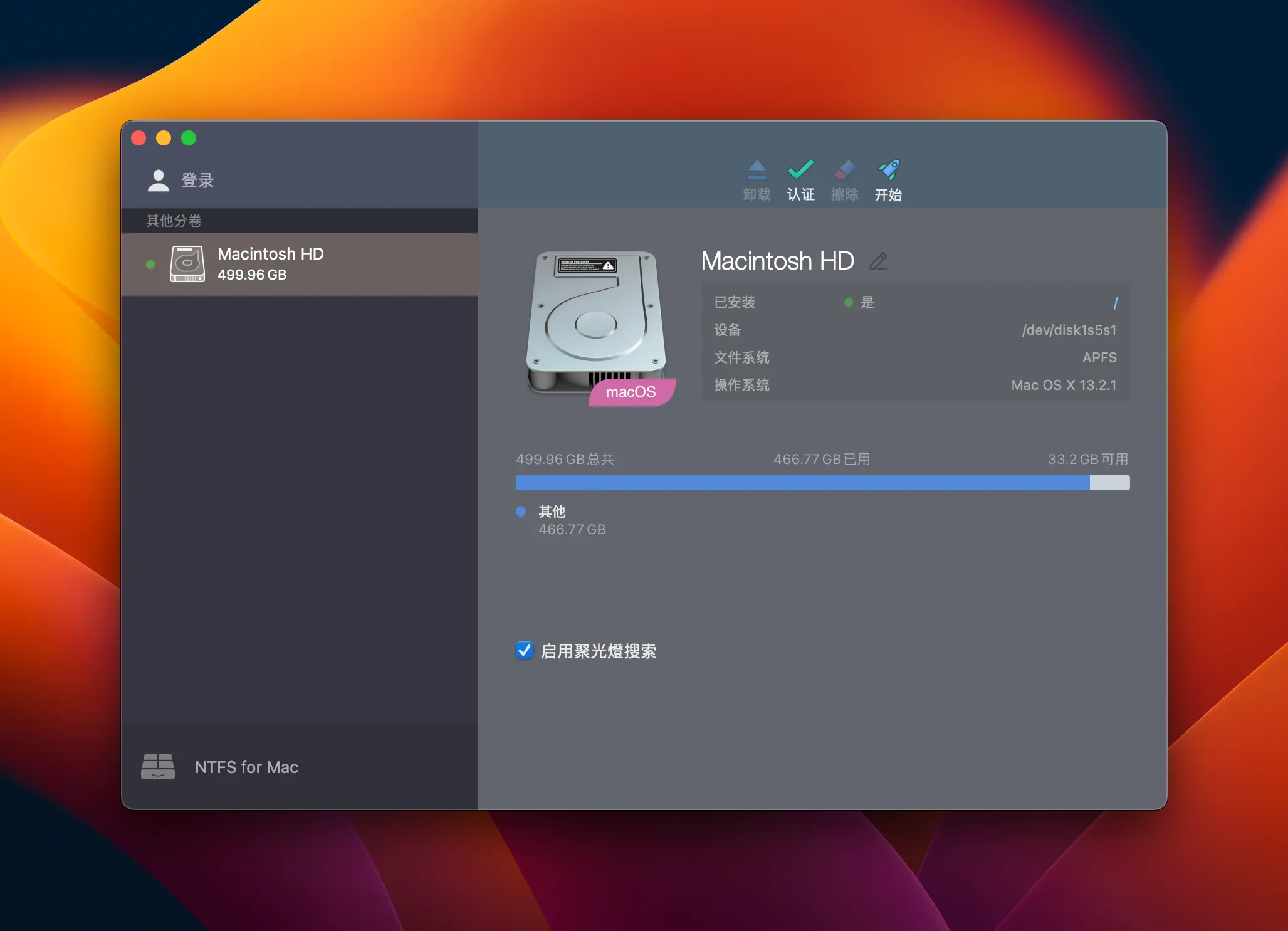
Extremely fast
Paragon Software's Microsoft NTFS for Mac is up to six times faster than any of the closest commercial competitors!
Full compatibility
- Supports macOS Sonoma and earlier versions of macOS
Powerful
- Secure data transfer, hassle-free work, easy to use, seamless user experience

 English
  简体中文
简体中文  香港中文
香港中文  繁體中文
繁體中文  Deutsch