
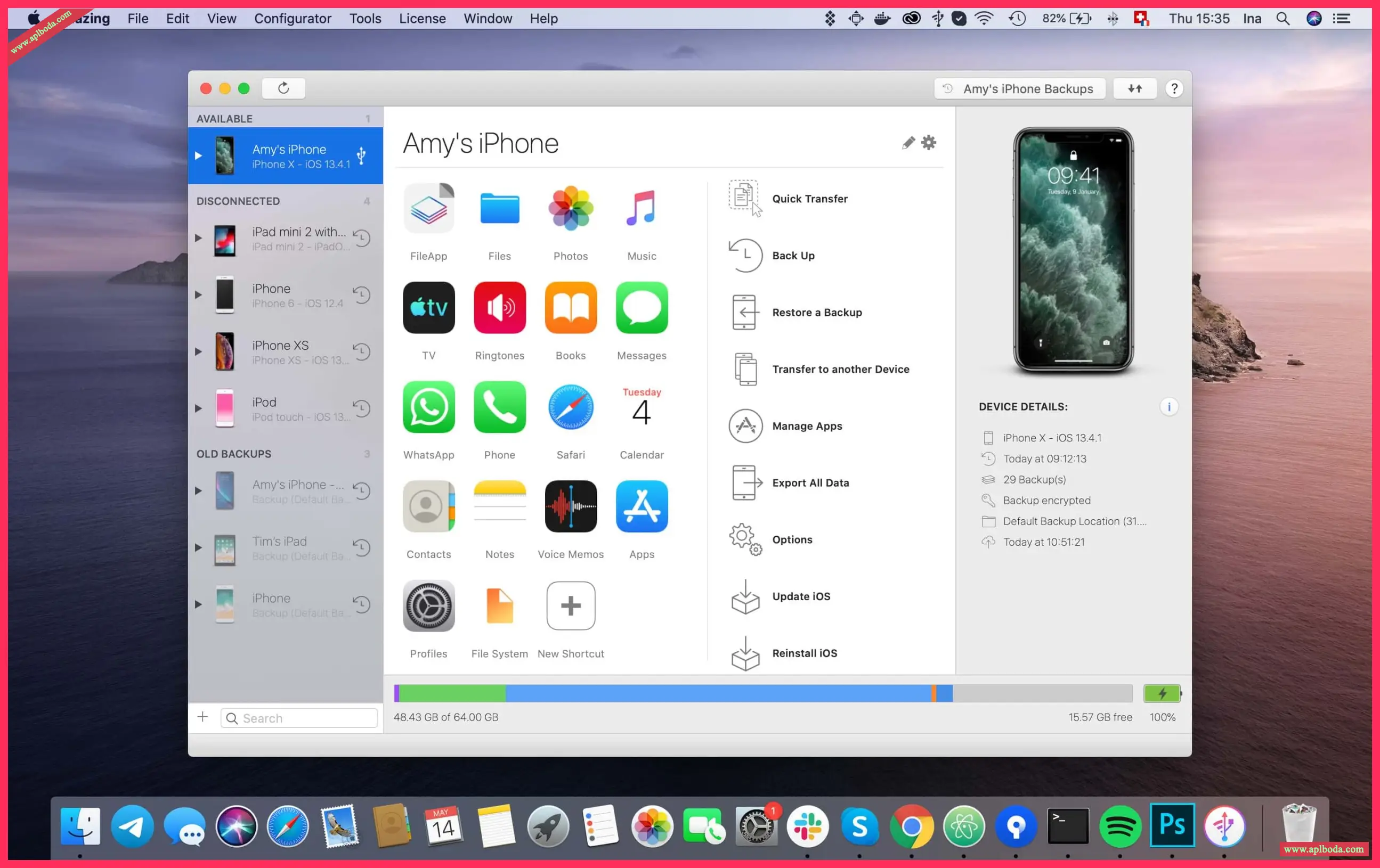
iMazing for MacIt is a tool that can be used on Apple's Mac OS platform to help users manage their phones.Mac Mobile AssistantiMazing for Mac is the ultimate iOS device manager, surpassing iTunes in capabilities. IMazing connects to your iOS device (iPhone, iPad, or iPod) for exceptional ease of use. Download and use this tool now!
Compatibility: macOS 10.10 or later (Apple Silicon compatible)
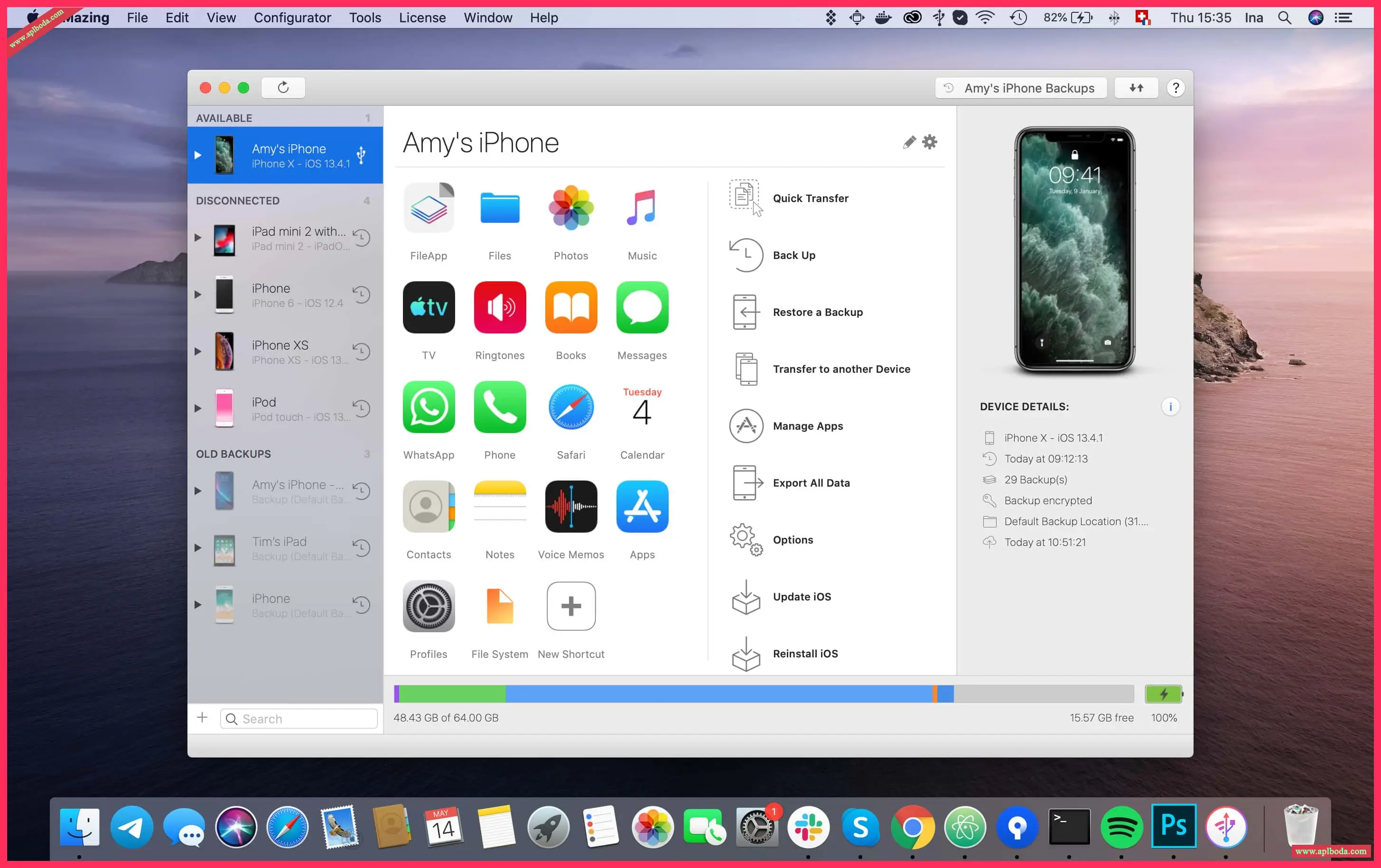
Function Introduction
You can: Copy music from any iOS device (even from one iOS device to another!); it's the music copy you always wanted it to be without limits Backup & Restore individual iOS apps and custom saved data, perfect for freeing up space on your iOS device without losing your files (or progress in games) or copying the app as-is to another iOS device.
Software Features
1. Transfer files to and from iOS devices, and browse the iOS file system.
2. Use your iOS device like an external drive.
3. Browse and save messages (SMS, MMS, iMessage), voicemails and call logs, which no iTunes can do.
4. Browse, save and add contacts to your iPhone without automatically adding them to your iCloud account.
5. Manage multiple identical iOS devices and restore any of the backups (similar to Time Machine for iOS).
6. Other surprising things you may not think of!
Software Features
iMazing, manage your iPhone your way.
Let trusted software transfer and save your music, messages, files, and data. Safely back up any iPhone, iPad, or iPod touch. iMazing is powerful and easy to use, making it the best iOS device manager for Mac and PC. Go beyond iTunes with iMazing.
Store your iPhone and iPad data with exclusive technology. With iMazing, you can back up your device securely, even wirelessly.
Save precious information
Save, export and print your iPhone messages. Text messages, MMS, iMessages and attachments can all be safely backed up with iMazing.
Transfer files and documents
Transfer files and folders between iPhone, iPad and computer.
Manage Contacts
Copy all your contacts directly between iPhone and your Mac or PC.
Unique application backup solution
Back up and restore app data, such as game progress, documents, and settings.
Your other important data
Read your iPhone voicemails, voice memos, and notes.
Transfer and manage books
Export eBooks or PDFs from iBooks and import data from your computer to your iPhone or iPad.
iOS Advanced Management
USB or Wi-Fi connection, manage pairings, erase device, reinstall iOS, diagnose...
Changelog:
downloads.imazing.com/mac/iMazing/3.0.3.21059/release-notes.html
Version: 3.0.3 (21059)
Release date: Fri, 21 Jun 2024 20:05:49 +0200
We're pleased to announce the release of iMazing 3.0, the next generation of our flagship software for managing iPhone and other Apple mobile devices from your Mac or Windows PC.
iMazing 3 has been completely redesigned and re-architected to offer a fresh interface and a completely new user experience.
This major new version builds on the core features that have made iMazing the industry standard over the years.
New features in iMazing 3.0.3-21059
Italian: Various enhancements
Backup: Fixed an issue with device UDID being lowercase, which could cause more issues.
Device Configuration: Addresses an issue in iOS/iPadOS 17.2 and above where the iOS/iPadOS Setup Assistant might display an “iPhone/iPad is partially set up” dialog after erasing the device and applying a configuration.
New features:
1. iOS 13.5
iMazing is now fully compatible with iOS 13.5 and iPhone SE (2020).
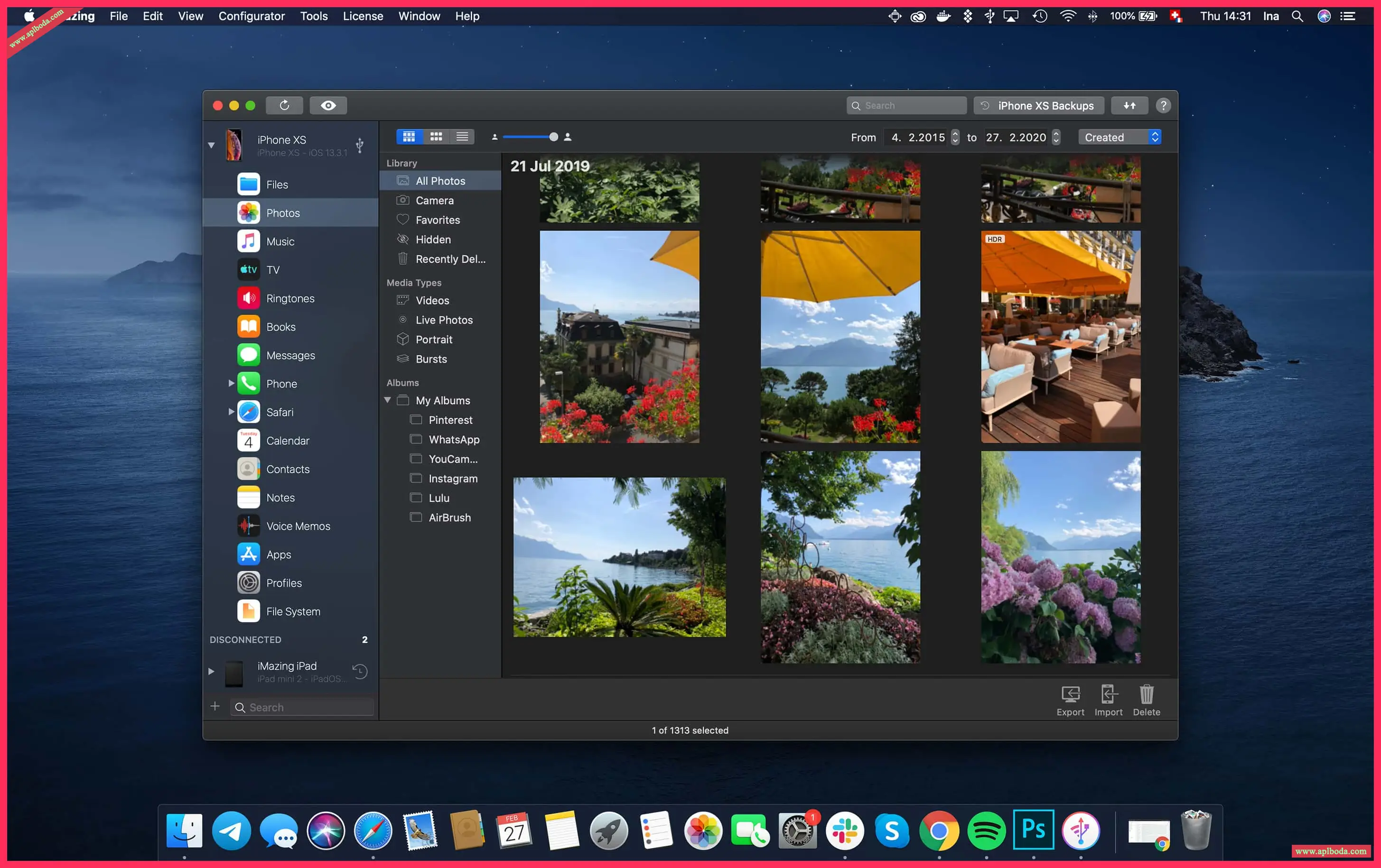
2. Photos
The Photos section has been completely rebuilt. The Camera section has been removed and integrated into Photos.
Greatly shortened loading times
Preview photos in high resolution
Access detailed information about each photo and video
Preview and export alternative versions of a photo or video: pre-portrait mode assets, originals for edited projects, and image and video components of Live Photos
Customize your exports with powerful options
Full Screen Mode
3. New Dataset: Configuration File
This one is for sysadmins, developers, and geeks:
View the configuration and profiles of iOS devices
Installing, exporting, and deleting configuration files
Manage your personal library
4. Tools Menu
iMazing comes packaged with three smaller utilities that you can open from the new Tools menu:
iMazing Mini is our menu bar app that handles automatic backups. It hasn't changed, but it's now opened from the Tools menu instead of the backup icon in iMazing's top toolbar.
iMazing HEIC Converter, our popular HEIC to JPEG conversion tool, is now also available in iMazing.
iMazing Profile Editor is our new Apple Configuration Profiles editor, also available as a standalone application in the Mac App Store.
5. Configurator menu
iMazing 2.11 includes a new set of tools for system administrators to manage and configure iOS devices. If you're not interested, you can completely remove the Configurator menu from iMazing's menu bar by selecting the Hide this menu option.

 English
  简体中文
简体中文  香港中文
香港中文  繁體中文
繁體中文  Deutsch