
Compressor is deeply integrated with Final Cut Pro and Motion, adding power and flexibility to video conversions. It lets you quickly customize output settings, enhance images, and package your movies for sale in the iTunes Store. You can also easily set up distributed encoding across other Mac computers for even faster conversions.
Advanced Encoding for Final Cut Pro
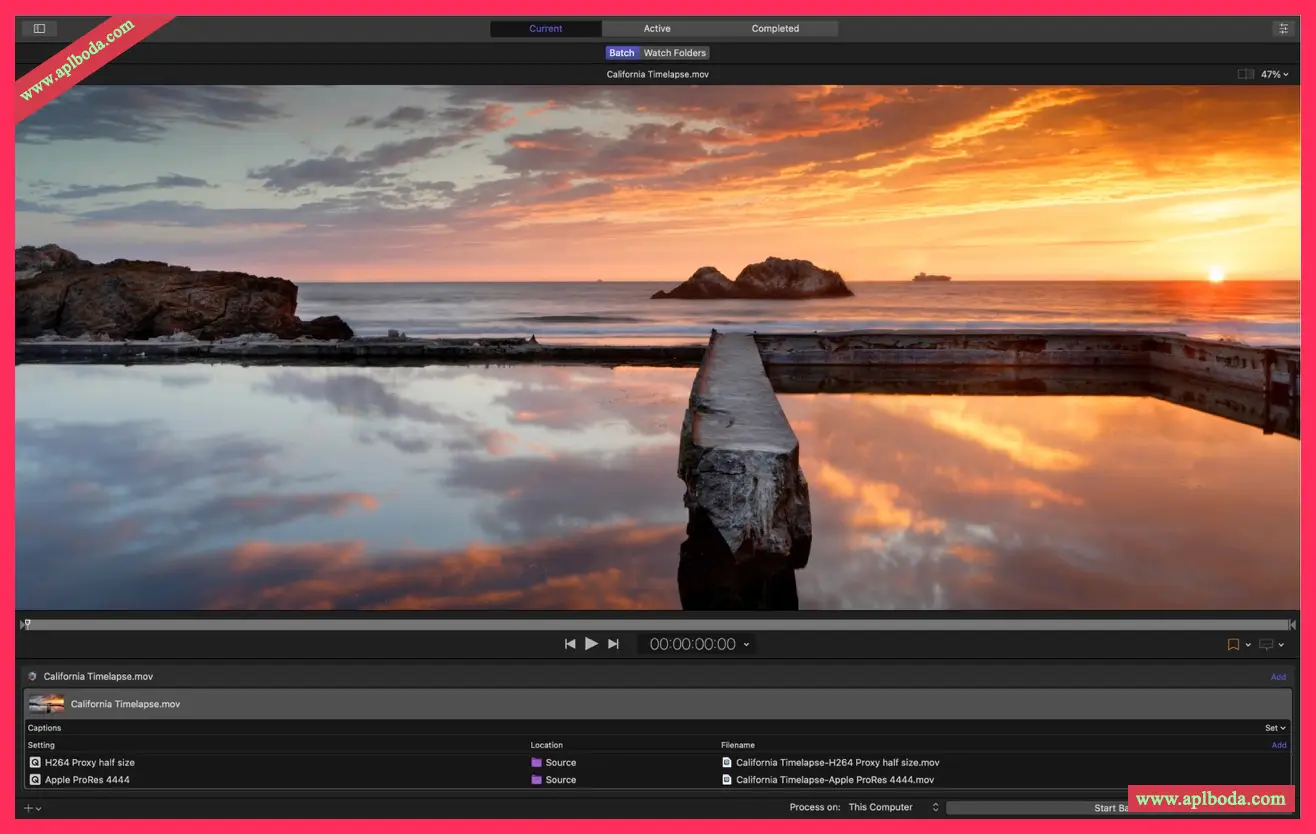
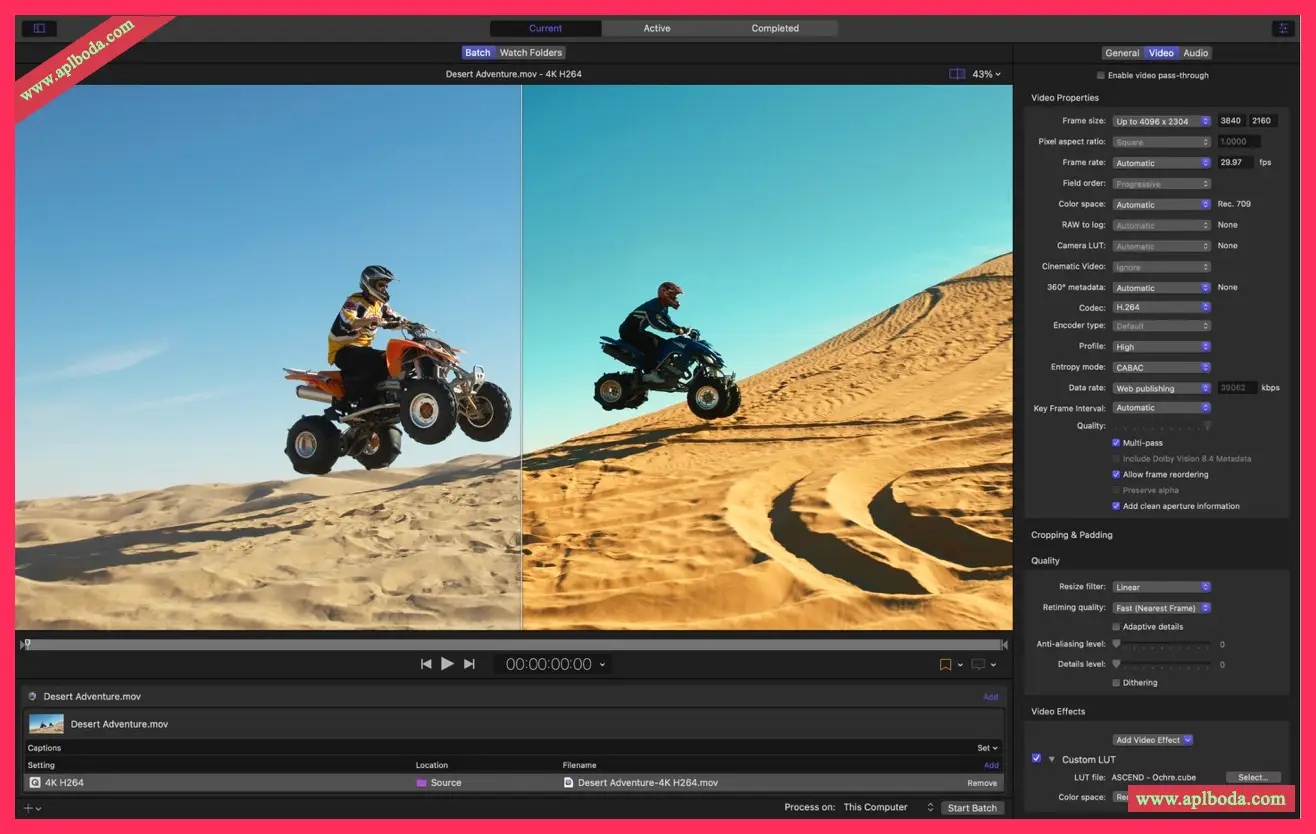
Use Compressor to customize encoding settings for use with Final Cut Pro and Motion
Set up batch processing to simplify encoding of large batches of files
Build custom Destinations to combine encoding with other tasks like copying files
Create standalone Droplets for encoding on your desktop with easy drag-and-drop
Share settings with other editors even if they don't have Compressor installed on their systems
Improves performance and efficiency on Mac computers with Apple silicon
iTunes Store Package Creation
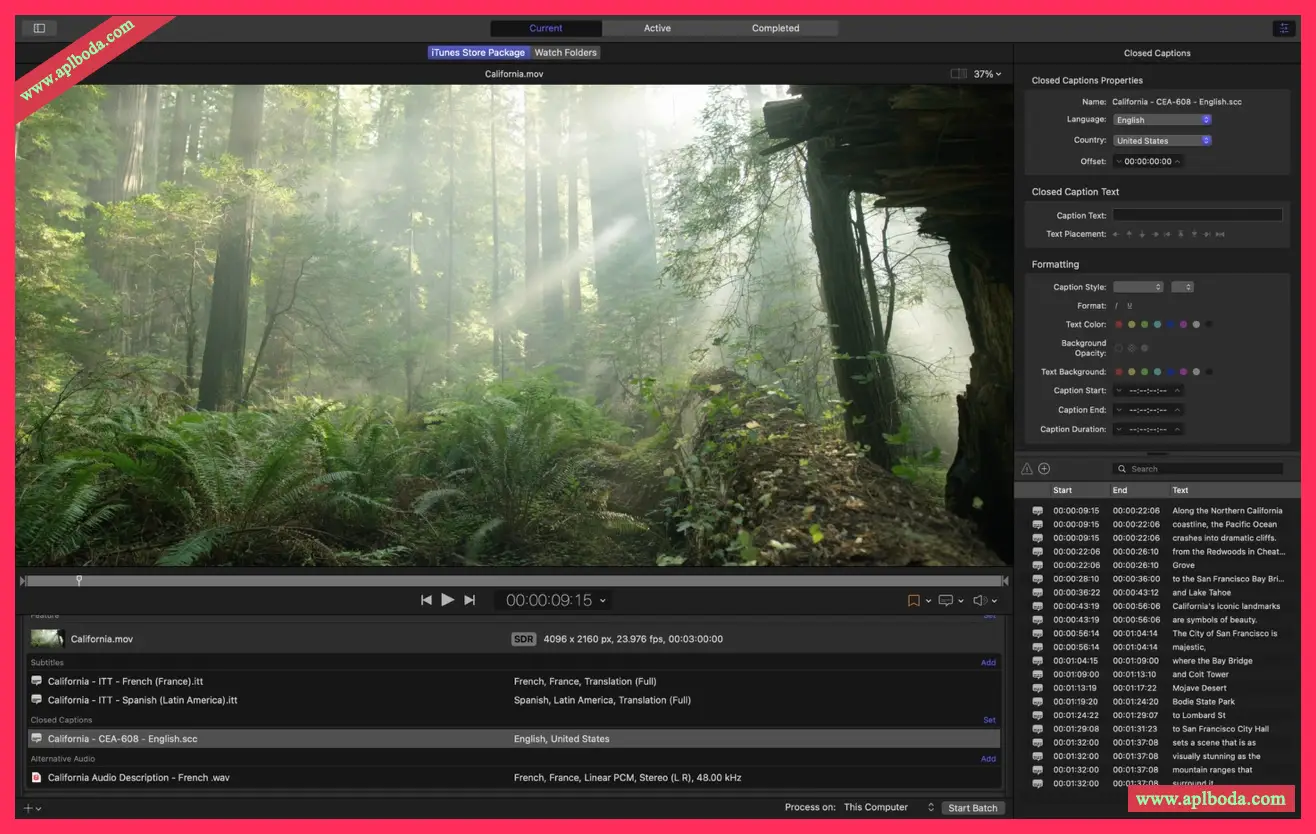
Import your movies, trailers, closed captions, audio descriptions, and subtitles and organize them into iTunes Store-compliant packages for submission to Apple-certified iTunes Submission Assistants
Audition any video that includes audio, closed captions, or subtitles to verify sync
Built-in error detection helps you identify problems with your iTunes Store package
Deliver HDR video in P3 D65 PQ, Rec. 2020 HLG, and Rec. 2020 PQ for HDR10
Support for linking Dolby Vision graded video files to Dolby Vision XML in iTunes Store packages
Support industry standards
Encode to a variety of industry-standard formats, including HEVC, MPEG-4, H.264, MXF, and ProRes
Choose to use with themed menus for encoding and burning DVD or Blu-ray discs
Import Targa, DPX, TIFF, PSD, PNG, or OpenEXR image sequences and encode them using any settings
View, adjust, and deliver closed captions in CEA-608, SRT, and iTT formats
Lossless format conversion
Convert any file between formats, such as NTSC to PAL, SD to HD, or progressive to interlaced video
Import and process wide color gamut video, then deliver in standard Rec. 601 and Rec. 709 color spaces or the wide-gamut Rec. 2020 color space
Deliver high dynamic range (HDR) video with color space conversion controls and HDR metadata
Deliver HDR video in P3 D65 PQ, Rec. 2020 HLG, and Rec. 2020 PQ
Add effects to your content, such as custom LUTs, timecode overlays, and watermarks
Speed up, slow down, or adjust the frame rate of a video to match its duration to the runtime
Use built-in camera LUTs from Panasonic, Sony, Canon, Blackmagic, Nikon, and ARRI, or add custom camera LUTs to convert Log-encoded video to SDR and HDR color spaces
Convert ProRes Raw and ProRes Raw HQ media to other professional file formats
Convert Avid DNxHR® and Avid DNxHD® media using any setup
Distributed Encoding
Save time by distributing encoding jobs across multiple workstations
Install Compressor on any Mac to activate it as a node for distributed encoding
System requirements: 4GB of RAM (8GB recommended for 4K editing, 3D titles, and 360° video editing), Metal-capable graphics card (1GB of VRAM recommended for 4K editing, 3D titles, and 360° video editing), 1.2GB of available disk space. ProRes RAW requires a Mac with Metal support.
Compressor for Mac
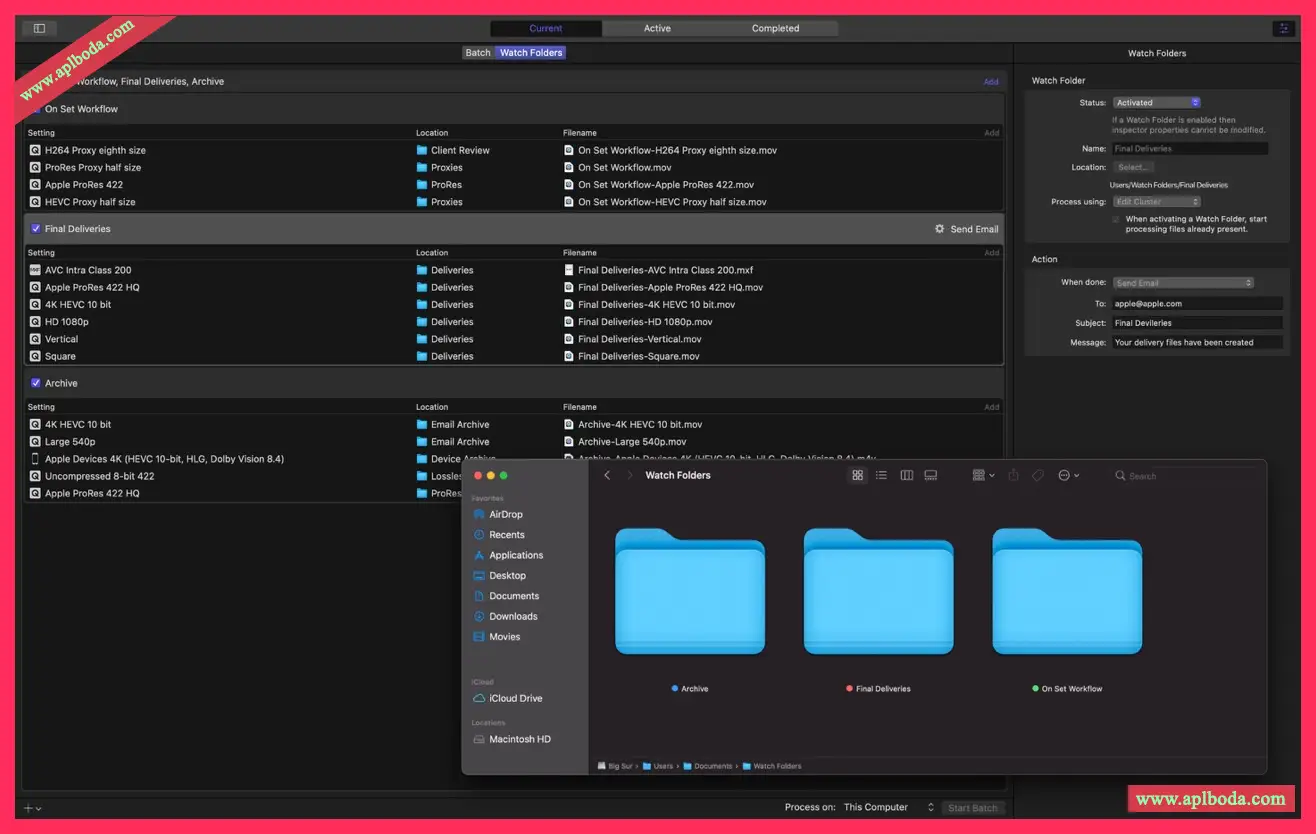
Automate transcoding using watch folders and enjoy workstation-class performance on the new MacBook Pro.
Automatically encode videos added to selected folders in the file system
Play Canon Cinema RAW Light and transcode it to other video codecs and formats via the Canon RAW plug-in
Encode videos recorded in Cinema mode on iPhone 13 (requires macOS Monterey)

 English
  简体中文
简体中文  香港中文
香港中文  繁體中文
繁體中文  Deutsch