
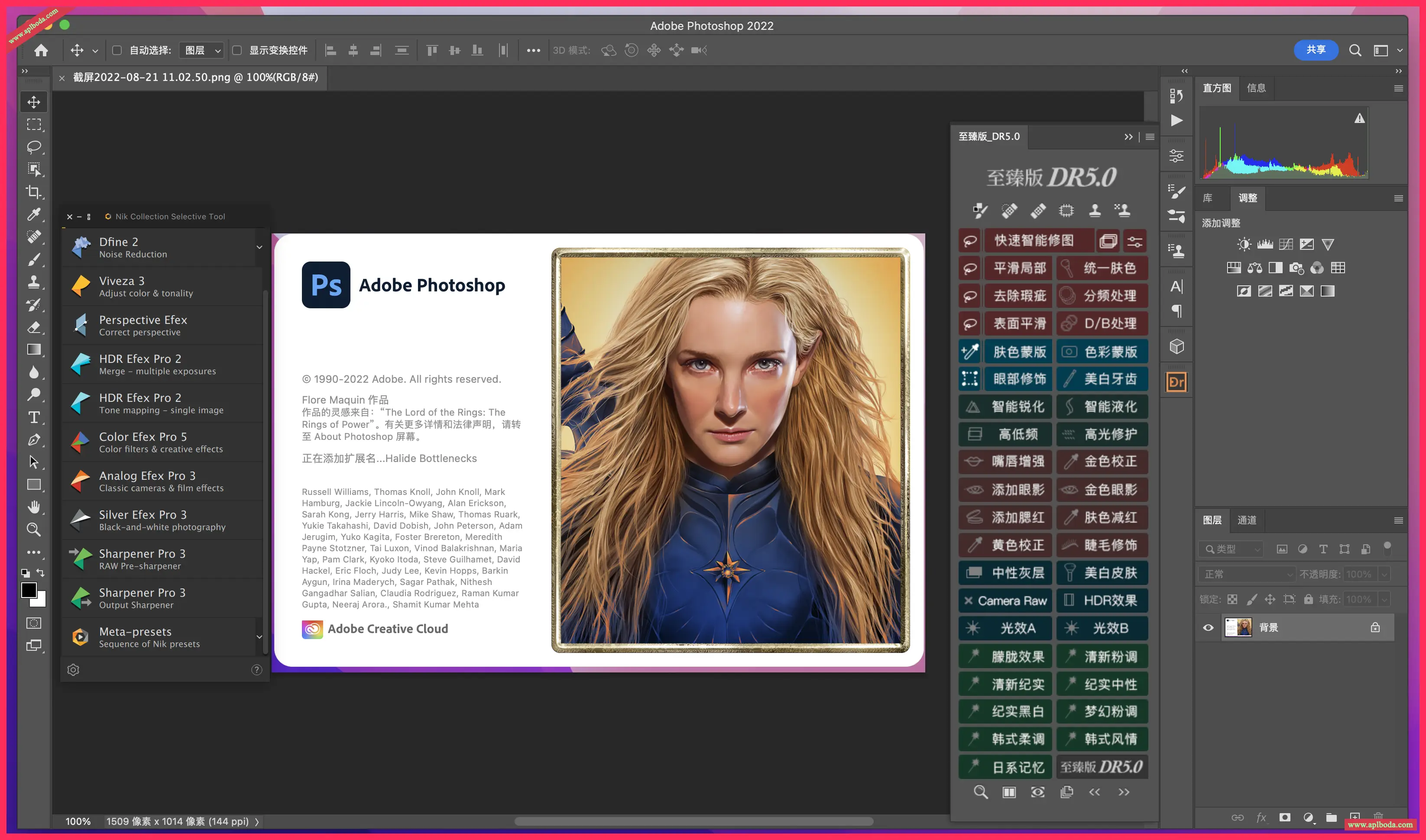
Adobe Photoshop 2023 for Mac Photoshop is the industry standard for digital image processing and editing, offering a comprehensive suite of professional retouching tools and powerful editing features designed to inspire. Photoshop comes with a vast array of image processing tools designed to help you retouch photos with ease and precision.

Recommend the latest version

Let your imagination run wild
The world is your canvas, so draw inspiration from your surroundings and experiment with different effects. Mix and match photos, graphics, effects, and colors to create something entirely new.
Retouch, blend, recolor
With just a few clicks, you can swap skies, fix blemishes, and remove backgrounds. Make portraits universally appealing and expressive. Photoshop editing tools let you make every photo a picture-perfect image.
Use thousands of brushes to turn images into art
Paint and draw with thousands of custom brushes, or create your own—Photoshop puts the richest collection of brushes at your fingertips.
Quick-click selection
Now, you can simply hover your mouse cursor over a portion of the image and click to automatically select that portion. Missing content? Keep clicking until all content is displayed.
Faster transfer from Illustrator to Photoshop
You can now paste Adobe Illustrator vector content into Photoshop using colors, strokes, masks, and layers.
Get to work faster
Dive deeper into your creative process with new plug-ins available in Photoshop and Creative Cloud desktop apps that you can quickly install and use right in Photoshop.
Version 24.4.1 changes:
The Gradient tool does not work in the HUD color picker
KBSC, which switches the brush mode to clear (erase) mode, does not work on international keyboards
Liquify effect cannot be applied to canvas
A program error occurred when running an operation using the Save command
Preferences dialog too wide due to Image Processing string
The Liquify filter stops working after being used 450-500 times in a Photoshop session
Brush movement guides are not displayed
Photoshop "Save for Web" - "Save" dialog box position cuts off the screen and the position is not remembered
Moving the reference point when free transforming a text layer causes the Scale value to change

 English
  简体中文
简体中文  香港中文
香港中文  繁體中文
繁體中文  Deutsch