
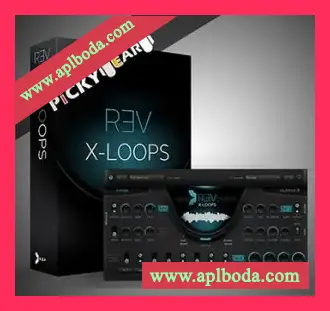
Rev X-Loops, a brand new instrument based on the Rev Loops Engine. The new product delivers 2GB of multi-layered loops and features a robust engine for manipulating, tweaking and discovering new sonic possibilities. Rev X-Loops does not require Rev to run, making it a toolset for anyone looking for an affordable yet versatile, creative instrument.
Rev, the reverse instrument suite, is the foundation for Rev X-Loops. Following customer demand for an expansion of the Rev Loops Engine, Output chose to develop Rev X-Loops as an entirely new and separate engine with all new content, categories and presets.
“People have found REV to be an inspiring and creative tool in their music,” says Output Founder Gregg Lehrman. “Since we noticed the REV Loops Engine was a customer favorite, we wanted to refresh the library and at the same time release it as an independent product. Our team of sound designers spent months recording, flipping and tweaking. We’re very proud of the result.”
Features:
2GB of brand new multi-layered loops (uncompressed).
Over 20 new categories.
Over 50 FX presets and snapshots.
Complete FX section including Stutter, Reverb, Delay, EQ, Rage, Lo-Fi and more.
Loops include a mixture of forward and reverse sounds.
All Loops auto-map to a MIDI keyboard and tempo locked.
Easily change the key of any loop.
Trigger FX using a MIDI keyboard.
Power of the acclaimed REV engine.
Infinite starting points for your track.
When your product is properly updated, you will notice a new ‘Legacy’ NKI. This legacy NKI file is only there for compatibility purposes – it does not contain any of the updates that were introduced with the NKS rollout on March 7th. Using the legacy NKI is to use the older version of the product. If you find that your version of Kontakt is too old to support the new ‘product.nki,’ use the legacy NKI.
If you find that your Output engine doesn’t immediately show in the Komplete Kontrol/Maschine factory library, close KK/Maschine and do the following:
Open Kontakt in standalone, remove the library in question (say, REV).
Close and reopen Kontakt standalone.
Add REV as a library again. Then close Kontakt standalone.
When you open Maschine or Komplete Kontrol, you will now see your Output library in the factory browser.
视频介绍演示(VIP赞助会员可见):

 简体中文
简体中文  English
  香港中文
香港中文  繁體中文
繁體中文  Deutsch